Evaluating Desktop Earth Rendering Overheads in 2026 Enterprise Environments
Introduction
Persistent desktop personalization requests collide with strict client resource budgets in managed fleets. DeskSoft EarthView 7.9.7 renders high-resolution satellite imagery as live wallpaper and screensaver, pulling tile data from remote CDNs. Its operational impact depends entirely on update intervals, GPU offload capability, and network egress controls. IT administrators must quantify the CPU cycles, VRAM consumption, and WAN traffic introduced by animated earth maps before mass deployment. This analysis benchmarks EarthView 7.9.7 against typical enterprise workstation profiles, examining rendering pipelines, configurable bandwidth throttles, and Group Policy deployment viability without marketing interpretation.
Core Architecture and Functional Mechanisms
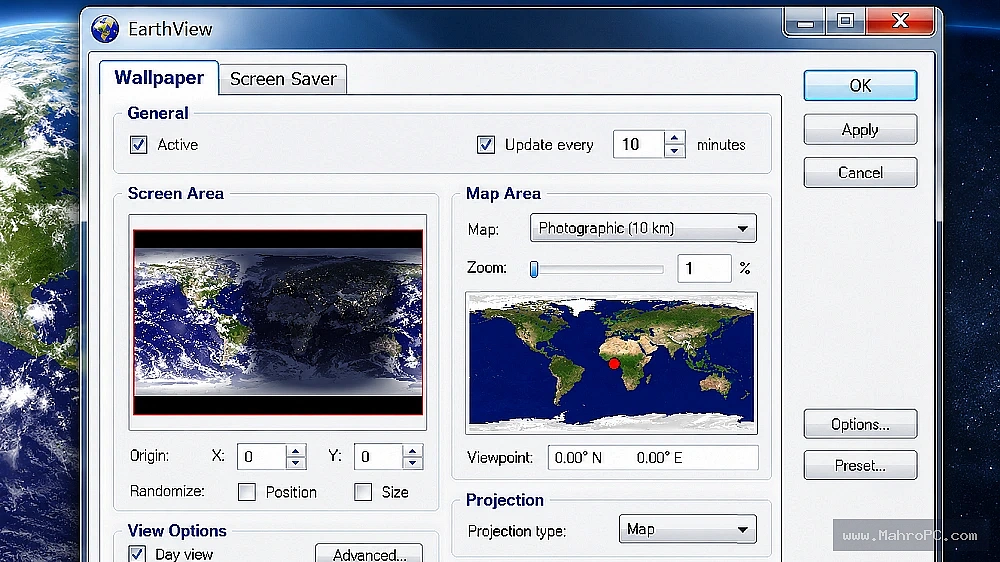
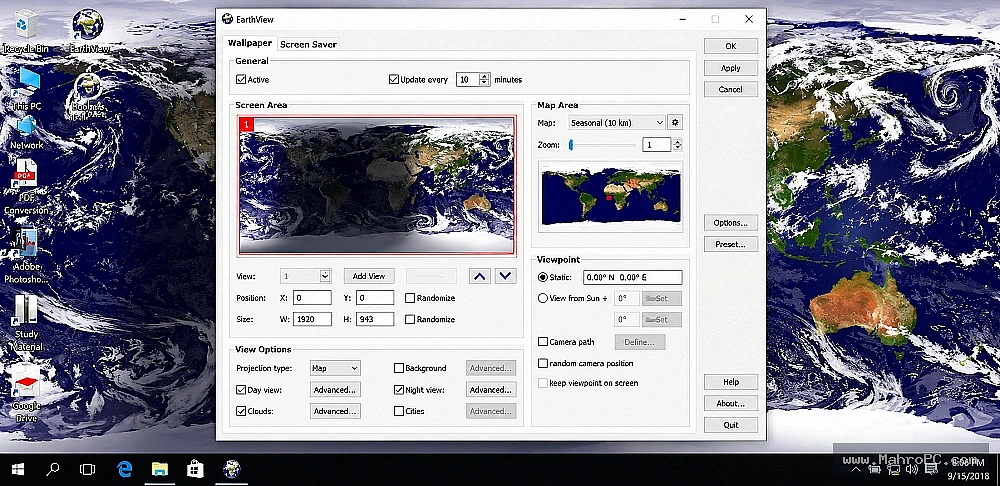
EarthView employs a tile-based map renderer that requests Mercator-projected satellite tiles over HTTPS, caching them in a local directory. A DirectX 11/12 viewport composites base map layers with vector overlays (city labels, borders) and dynamic day/night shading based on system clock. Cloud cover data is fetched periodically as a separate translucent layer. The engine offloads texture mapping to the GPU, leaving the CPU primarily for tile decompression and compositing logic. Update frequency, tile expiry, and proxy settings are exposed through a configuration dialog; no local database service runs. All network fetches use standard WinHTTP APIs, inheriting system proxy and certificate validation.
You may also like :: Aiseesoft Blu-ray Player Latest Software 2026
Pros & Cons
-
Pros: GPU-accelerated rendering minimizes CPU occupancy under 2% on modern integrated graphics; configurable map refresh intervals allow bandwidth throttling down to manual-only updates; MSI installer supports silent deployment via Group Policy; cached tile sets enable fully offline operation after initial download.
-
Cons: Multi-monitor setups double VRAM demand (separate viewports per display), potentially starving GPU memory on 2 GB VRAM thin clients; outbound CDN calls are non-negotiable for live clouds, creating firewall exception dependencies; no centralized administrative console for fleet-wide configuration enforcement.
Key Technical Capabilities Analyzed
Real-Time Map Rendering
DirectX 12 render path utilizes flip-model presentation for low-latency output, consuming 150–400 MB GPU memory at 4K with all layers active. VRAM pressure scales linearly with display count.
Network Update Scheduler
Pull intervals range from 10 minutes to manual. A custom proxy field allows routing tile requests through authenticated forward proxies; all traffic is standard HTTPS, inspectable via SSL decryption.
Multi-Monitor Integration
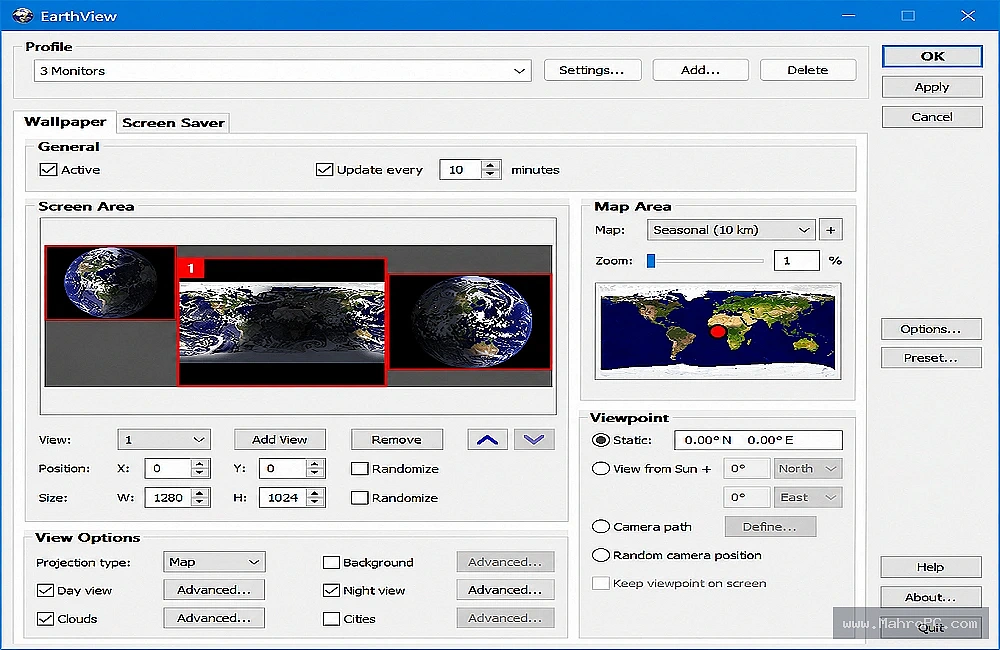
Each physical display spawns an independent viewport context; no shared framebuffer. This doubles aggregate GPU workload but prevents scaling artifacts on mismatched resolutions.
Screen Saver Power Management
EarthView screensaver triggers monitor sleep timers according to OS power policy. It does not override system idle detection, preserving VESA DPMS compliance and reducing OLED burn-in risk.
Enterprise Infrastructure & Optimization Guide
-
Configure outbound firewall allow rules for
*.desksoft.comand the tile CDN endpoints (currentlytiles.desksoft.comand cloud front) over TCP 443. -
Add
EarthView.exeandEarthViewScreensaver.scrto the antivirus real-time scan exclusion list to prevent I/O contention on tile cache writes. -
Assign the cache directory to a non-volatile SSD path with at least 2 GB free; avoid roaming profiles or redirected folders to prevent logon storms.
-
Deploy via GPO computer startup script using the vendor MSI with the
-qflag; set post-install configurations by distributing a read-onlyEarthView.inivia Group Policy Preferences.
You may also like :: Professor Teaches Office Tranding software 2026
Hardware & System Requirements
| Component | Minimum Configuration | Recommended Enterprise Specification |
|---|---|---|
| CPU | Intel Core i3-8100 / AMD Ryzen 3 2200G | Intel Core i5-1240P / AMD Ryzen 5 PRO 6650U |
| RAM | 4 GB | 8 GB |
| GPU / DirectX | DirectX 11, 512 MB VRAM | DirectX 12, 2 GB VRAM (dedicated) |
| Storage | 500 MB HDD for tile cache | 1 GB NVMe SSD (TLC, 3,000 IOPS read) |
| Network | 1 Mbps downlink, outbound HTTPS allowed | 5 Mbps low-latency, proxy-aware |
Warning: Tile cache hosted on rotational media combined with sub-15-minute update intervals causes sustained 4K random write I/O, degrading VDI user experience on shared storage pools.
Operational Decision Matrix (Verdict)
-
Deploy If: Workstations have DirectX 12 GPUs with 2 GB+ VRAM, unmetered internet, and an SSD cache location. Aesthetic demand is high, and bandwidth can be constrained to manual updates only.
-
Avoid If: The fleet relies on GPU-poor thin clients, WAN costs are per-megabyte, or screensaver customisation triggers group policy compliance audits that prohibit user-facing shell modifications.
You may also like :: Aiseesoft FoneTrans
Frequently Asked Questions
Why does EarthView cause high GPU usage on triple-monitor workstations? Each monitor instantiates a distinct DirectX swap chain and texture set, tripling VRAM pressure. Reducing visible layers or map resolution via the config dialog reduces per-viewport memory footprint.
How is offline map caching validated for secure environments? Launch the built-in map download manager while online; select regions and zoom levels to pre-fetch. Post-cache, disable automatic updates via the scheduler to prevent any outbound traffic.
Does the screensaver interfere with lock screen security policies? EarthView runs as a standard .scr executable. If your lock screen policy enforces CTRL+ALT+DEL, EarthView yields correctly. However, in “on resume, display logon screen” mode, it may bypass the lock if the idle timeout triggers before the screen saver grace period expires—adjust via local security policy.