AnyMP4 Video Converter Ultimate: Technical Evaluation 2026
Introduction
Large media files can increase storage bandwidth and capacity requirements when transferred directly to shared storage systems.
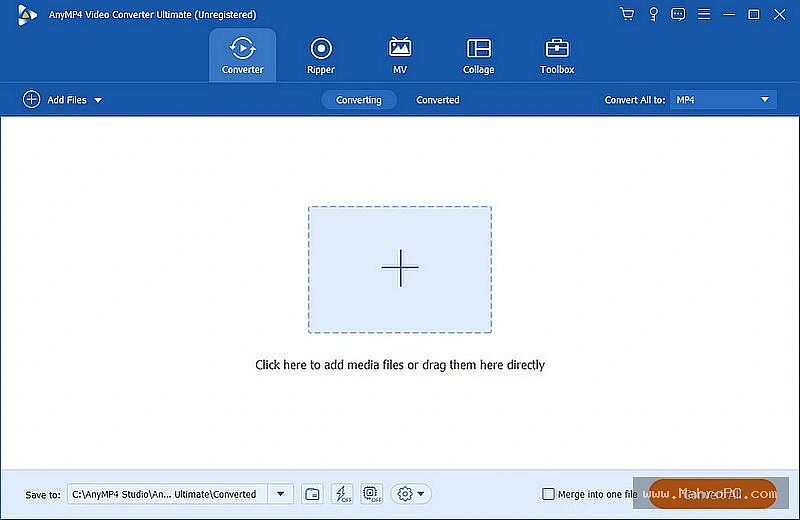
AnyMP4 Video Converter Ultimate is a desktop utility used to convert media containers into different formats on local workstations. This evaluation focuses on the application’s conversion workflows and hardware acceleration performance. Organizations evaluating this software should assess how it handles batch media conversion and whether local processing meets internal security and performance requirements.
Core Architecture and Functional Mechanisms
The application functions as a GUI-based desktop transcoder that processes media files sequentially or in batches based on user configuration. During conversion, the software reads source files through the operating system's file I/O layer and passes them to an internal encoding pipeline.
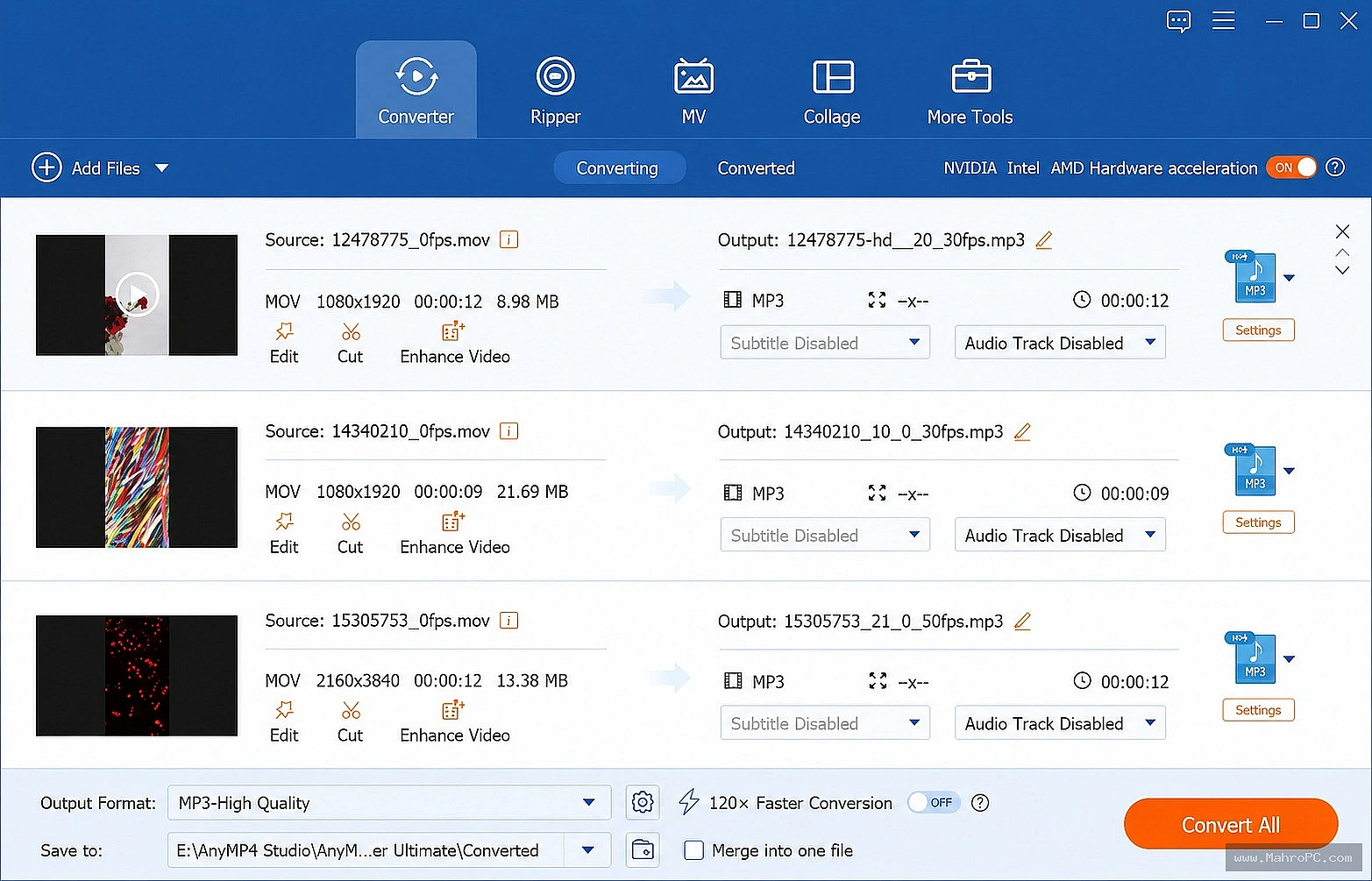
When hardware acceleration is available, portions of the encoding workload can be handled by supported GPU encoding technologies such as NVIDIA NVENC, AMD AMF, or Intel Quick Sync Video. If supported hardware is unavailable or not selected, the application utilizes the host CPU to perform the encoding.
Technical Capabilities
Container Conversion
The application allows users to change container formats, such as converting MKV or other formats to MP4. Constant bitrate settings provide more predictable bitrate behavior but do not guarantee a fixed output file size.
Hardware Acceleration
The software provides options to enable GPU-based encoding. This configuration can reduce CPU utilization during supported encoding workloads compared to software-only encoding.
Batch Processing
The application supports a batch processing queue. Users can add multiple files to the list and execute them sequentially. Error handling for unreadable media depends on the application's implementation and may result in failed or incomplete output.
Enterprise Infrastructure & Optimization Guide
Preventing hardware bottlenecks requires strict environmental preparation before execution.
EDR / Antivirus Exclusions: Target output directories must be whitelisted within the enterprise endpoint protection suite. Real-time scanning during sequential high-speed NVMe write operations will force thread interruptions and corrupt the final video container.
Isolated I/O Pathing: Map the designated export directory to an independent, dedicated storage controller. Reading source data and writing transcoded data to the identical physical drive generates read/write head thrashing on mechanical drives or queue saturation on solid-state drives.
Port Telemetry Management: Restrict network access to outbound Port 443 solely for software licensing handshakes; block all inbound traffic to maintain an air-gapped processing workflow.
Operational Decision Matrix
Deploy If: You require a local GUI-based utility for media conversion and observe that batch processing meets your performance and storage requirements during internal testing.
Avoid If: Your environment requires automated, script-based pipelines (CLI/PowerShell) or if the software fails to meet internal security or performance benchmarks during your evaluation.
Hardware Requirements
Component | Minimum Specification | Recommended for Batch Workloads |
Processor | Intel i3 / AMD Ryzen 3 | Intel i7/i9 or AMD Ryzen 7/9 |
RAM | 4 GB | 16 GB+ |
Storage | HDD | NVMe SSD (for I/O throughput) |
GPU | Integrated | NVIDIA RTX / AMD Radeon (if using HW encoding) |
Important: You can download the software directly from the download button provided below on the page for quick access.
Frequently Asked Questions
Q: Does this application support CLI or PowerShell integration?
A: No, the application is designed for manual GUI-based interaction and does not include documentation for command-line automation.
Q: How does the application manage Atmos metadata?
A: Preservation of Dolby Atmos depends on the source format, selected container, codec compatibility, and playback environment. Verify support using the application's current documentation.
Q: Should I exclude the software from Antivirus scanning?
A: If endpoint protection measurably affects encoding performance, evaluate directory exclusions in accordance with organizational security policy.
Q: Does hardware acceleration improve output quality?
A: Hardware acceleration primarily impacts encoding speed and CPU utilization. Quality depends on the specific encoder settings and bitrate configurations selected by the user.