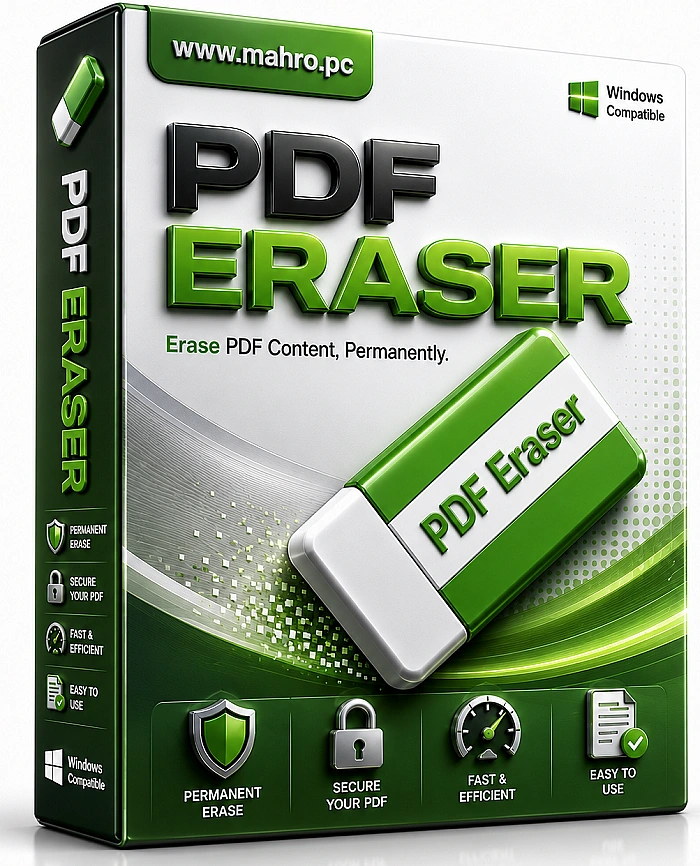
PDF Eraser Pro 1.9.9 2026 : The Simplest Way to Edit and Clean Up Your PDFs
That is exactly why tools like PDF Eraser Pro 1.9.9 exist. This little software is here to save you time and frustration. It lets you erase text, images, logos, and even watermarks from any PDF file. And the best part? It is simple enough for anyone to use. No technical skills required.
What Makes PDF Eraser Pro 1.9.9 So Special?
This tool is built around one main idea. It helps you remove unwanted content from PDFs quickly and cleanly. Think of it as a digital eraser for your documents. You open your PDF, choose the eraser tool, and simply rub out whatever you do not want anymore.
Unlike heavy and complicated PDF editors, PDF Eraser Pro 1.9.9 keeps things light. The software is small, fast, and does not slow down your computer. It works on all modern Windows systems, from Windows 7 to Windows 11. Whether you are using an old laptop or a new desktop, this tool runs smoothly.
How to Use the Eraser Tool
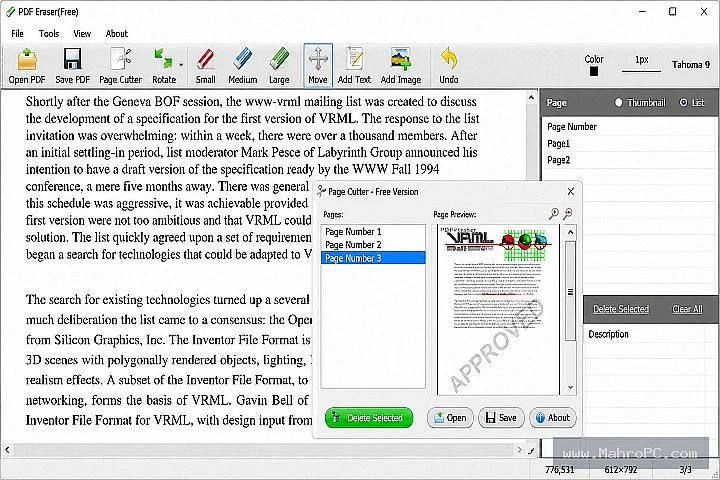
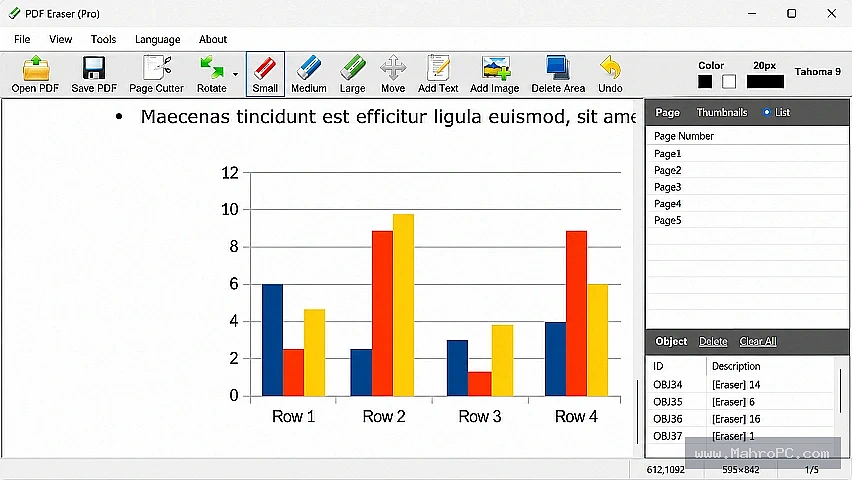
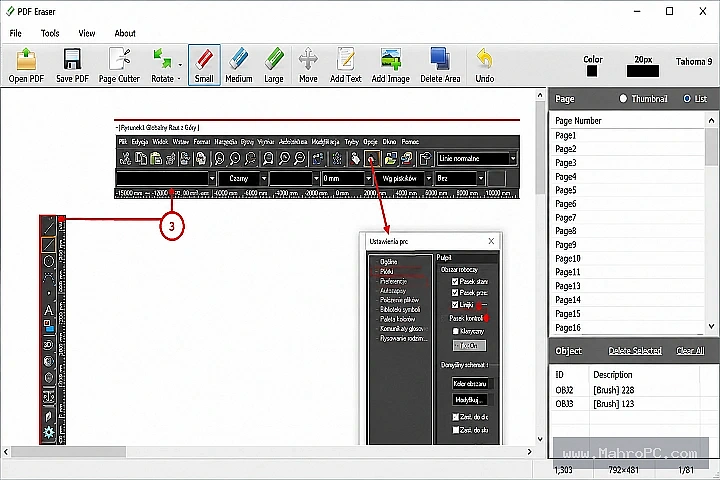
Using the eraser is very straightforward. The software gives you three different eraser sizes to choose from. You can pick small, medium, or large depending on what you need to remove. If you need even more control, you can adjust the eraser size down to a single pixel. This means you can erase tiny details without touching anything else around them.
Here is a helpful tip. For text, use the "delete area" tool. For images and logos, use the "eraser" tool. This simple distinction makes your editing much more precise. You will not accidentally erase the wrong thing.
More Than Just Erasing
PDF Eraser Pro 1.9.9 does not just remove content. It also lets you add new things to your PDF. After you erase some text, you can type new text right in that spot. You can change the font, color, and size to match the rest of your document.
You can also insert images. Maybe you need to replace an old logo with a new one. Or perhaps you want to add a picture to make your document more complete. The tool supports common image formats like JPG, BMP, TIF, and PNG. Adding images is as easy as clicking a button and choosing your file.
Perfect for Everyday Tasks
This tool is useful in so many situations. For office workers, it is great for fixing mistakes in contracts and reports. You can erase incorrect numbers or outdated information in seconds. No need to ask someone for the original file.
For students, PDF Eraser Pro 1.9.9 is a study helper. You can remove answers from past exam papers to create fresh practice tests. You can also clean up lecture notes by erasing unnecessary parts and adding your own comments.
For content creators, this tool helps you update old PDF guides and manuals. You can remove old logos, erase outdated information, and insert new content. Your documents stay fresh without starting from scratch.
For anyone who cares about privacy, this tool is a lifesaver. You can quickly hide sensitive information before sharing a PDF. Erase phone numbers, addresses, or any personal details you do not want others to see.
Clean Results Every Time
One common problem with PDF editing is leaving ugly white marks behind. PDF Eraser Pro 1.9.9 solves this by matching the background color of your document. When you erase something, the area blends in naturally. It looks like the content was never there.
The software also lets you delete entire pages you do not need. And if your PDF pages are upside down or sideways, you can rotate them with just two clicks. These small features make a big difference in how polished your final document looks.
Getting Started Is Easy
You do not need to be a tech expert to use PDF Eraser Pro 1.9.9. The interface is clean and simple. You open your PDF, choose what you want to do, and save your changes. The whole process takes just a few minutes.
The software is also very lightweight. It takes up very little space on your computer and starts up quickly. You will not have to wait around for large files to load. This makes it perfect for quick edits when you are in a hurry.
Conclusion
PDF Eraser Pro 1.9.9 is the kind of tool you did not know you needed until you try it. It takes the stress out of editing PDFs. Whether you are fixing a typo, removing a watermark, or protecting private information, this software does the job with ease.
The best part is how simple it all is. You do not need to learn complicated features or watch long tutorials. Just open, erase, and save. Give PDF Eraser Pro 1.9.9 a try. Your PDFs will thank you.
FAQ
Q: What can I erase with PDF Eraser Pro 1.9.9?
A: You can erase text, images, logos, watermarks, and hand-written marks from any PDF file. The tool gives you precise control over what you remove.
Q: Is PDF Eraser Pro 1.9.9 free to use?
A: PDF Eraser offers a free version with basic features. The Pro version unlocks additional capabilities like batch processing and advanced tools.
Q: Can I add new text after erasing something?
A: Yes, absolutely. After you erase content, you can add your own text in any font, color, or size. You can also insert images into your PDF.
Q: Does it work on scanned PDF documents?
A: Yes, it works on scanned PDFs. You can erase content from scanned pages just like you would with regular PDF files.
Q: What operating systems does PDF Eraser Pro 1.9.9 support?
A: It supports Windows XP, Vista, 7, 8, 8.1, 10, and 11. It works on both 32-bit and 64-bit systems.