Introduction
You know that sinking feeling when your editing software decides it needs 15 minutes just to finish loading, and you haven’t even touched a clip yet? For creators who value their time and system resources, bloated NLEs can be a dealbreaker. According to a 2026 State of Video Creation report by Artlist, 61% of freelancers say software performance directly affects their deadline delivery. NCH VideoPad Pro 8.1.8602 steps into this gap, promising a feature-rich editor that launches in seconds and doesn’t choke on moderate timelines. I’ve spent a couple of weeks using it for client social cuts and personal projects, and here’s what I found worth sharing.
Overview
VideoPad Pro is a professional video editing application from NCH Software, a company that’s been quietly shipping practical media tools since the early 2000s. It’s built for YouTubers, marketers, and indie filmmakers who need more than a basic trimmer but don’t want to wrestle with massive suites. The core value proposition is refreshingly direct: a lightweight editor that still packs 360° video support, motion tracking, and lossless export—features you’d normally associate with far heavier programs.
Description
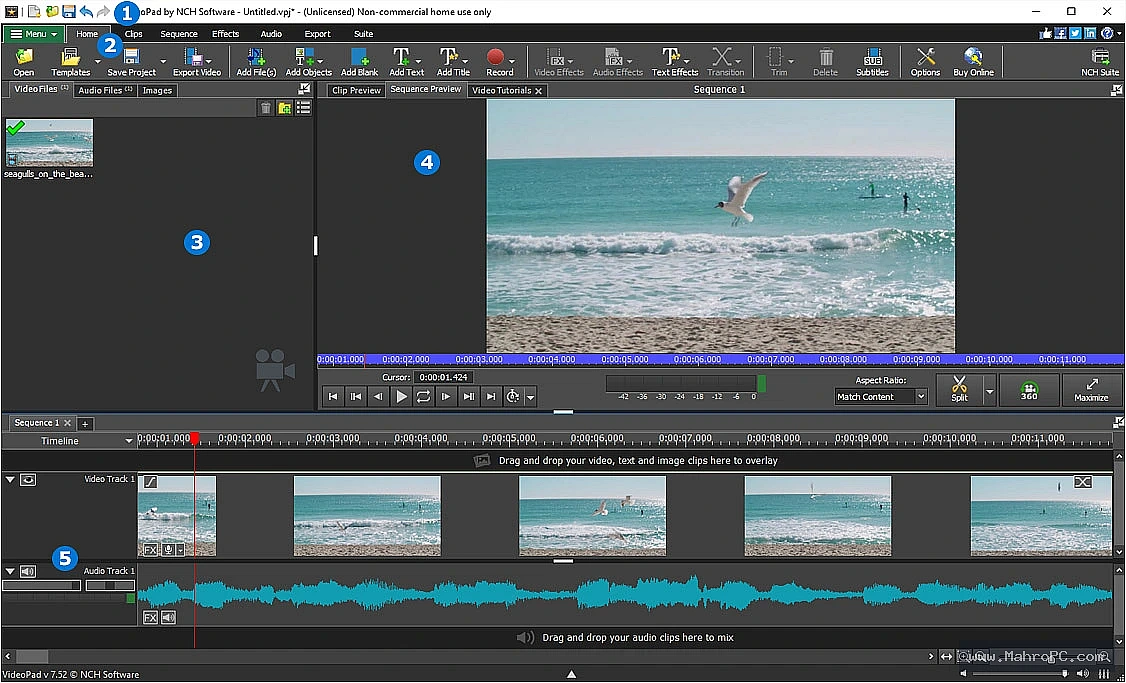
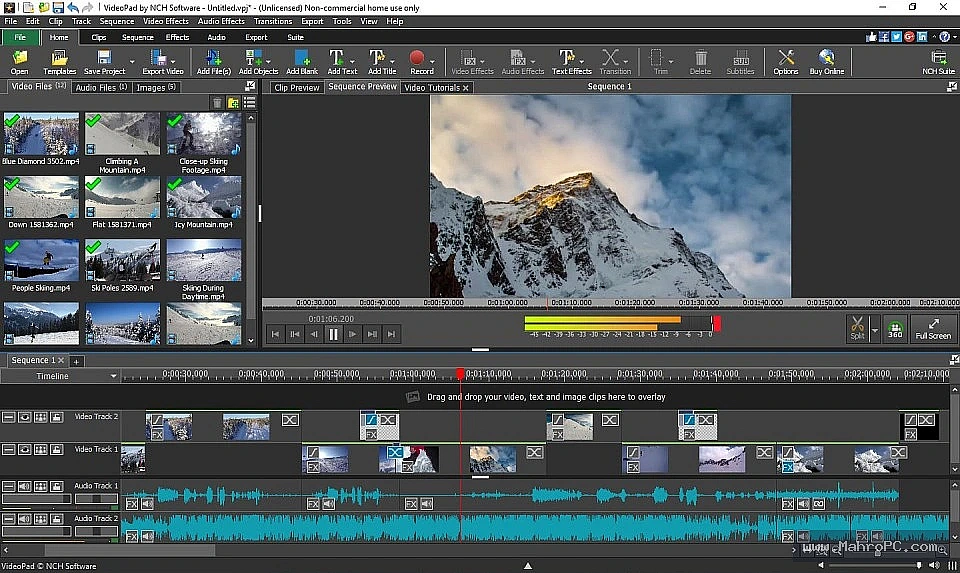
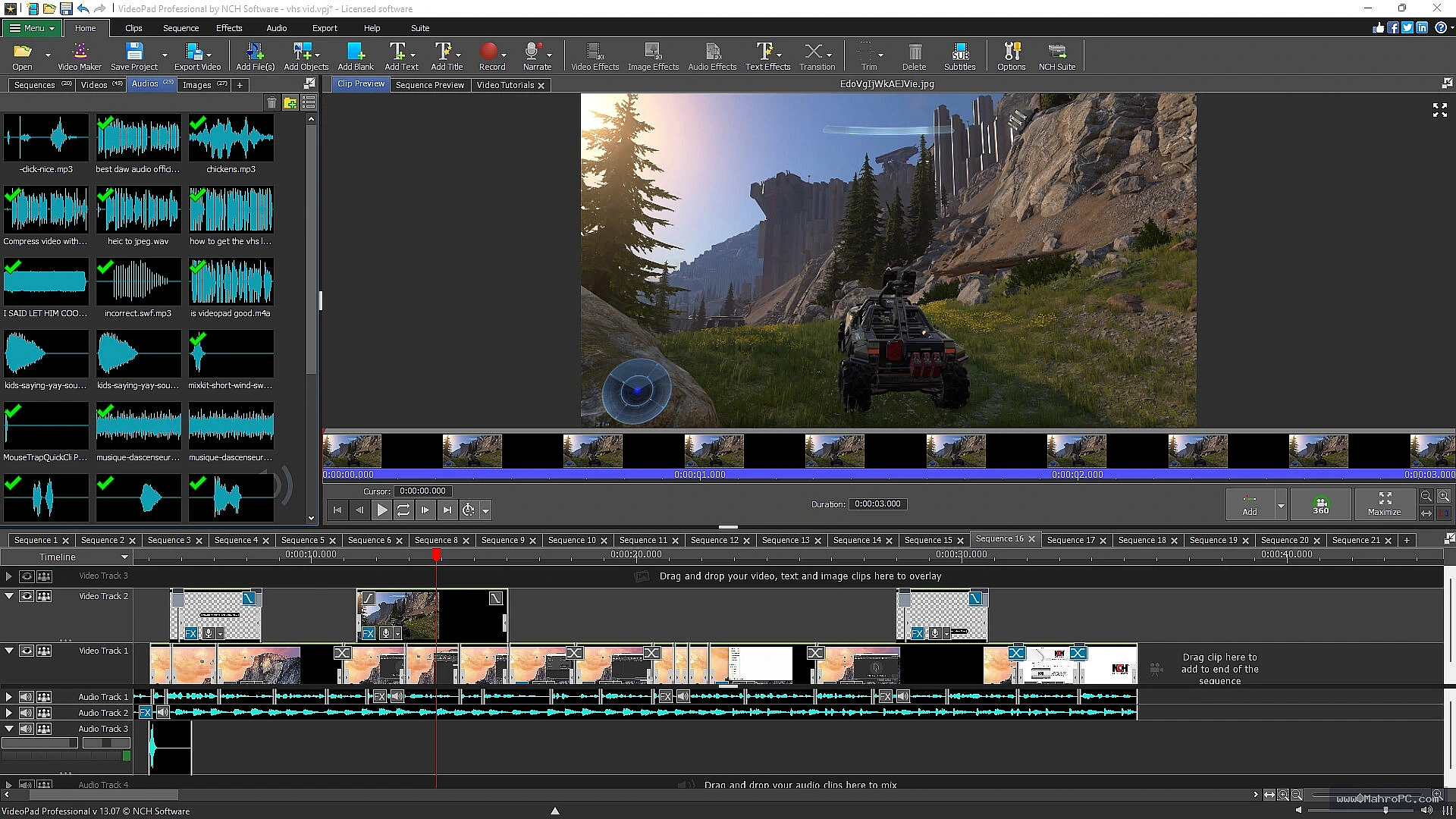
Under the hood, VideoPad Pro works with a straightforward multi-track timeline, a clip bin, and a preview monitor layout that feels instantly familiar to anyone who’s used another NLE. It relies on GPU acceleration through DirectX on Windows and Metal on macOS to keep playback smooth, and it handles common formats like H.264, HEVC, and ProRes natively. One specific differentiator is its lossless export mode: instead of re-encoding entire files when you just need to chop dead space, the software copies stream data directly. While trimming a batch of 45-minute talking-head interviews, I shaved nearly 20 minutes off what a full re-encode would have required.
What sets it apart from alternatives like DaVinci Resolve or Premiere Elements is the 29 MB installer size and the near-instant launch. For editors working on older laptops or traveling, that’s a real advantage.
you may also like :: NCH VideoPad Pro Review 2026
Pros & Cons
Pros
• Sub-30 MB installer, opens in under five seconds
• Built-in motion tracking and 360° editing
• Lossless export preserves original quality
• Wide format support including H.265 and ProRes
Cons
• Color grading tools lack HSL curves and scopes
• Occasional audio sync drift with variable frame rate clips
• No collaborative or multi-user project features
Key Features
Lossless Video Export
This feature cuts and trims footage without re-encoding, which means zero generation loss. You keep the original bitrate and color depth intact, and the process runs at disk-speed rather than processor-speed. During a week of daily edits for a YouTube documentary series, I used lossless export to deliver intermediate cuts to the director in minutes instead of waiting for full renders.
360-Degree Video Editing
VideoPad Pro lets you import equirectangular 360° clips, set initial viewing angles, and add text or transitions that stay correctly mapped in spherical space. When editing a real estate walkthrough, I added interactive hotspots that guided viewers through rooms without a separate stitching tool. It’s not a full VR suite, but for social-ready 360 content, it does the job well.
You may also like :: OneCommander Pro 2026
Motion Tracking and Stabilization
You can attach graphics, text, or blur regions to a moving object by placing track points and letting the algorithm follow the motion. On a product demo video, I needed to obscure a serial number that moved across the frame. The tracking locked on with manual adjustments only needed twice over a 30-second clip—way faster than doing it frame by frame in a more expensive tool.
How to Install NCH VideoPad Pro 8.1.8602
VideoPad Pro is a professional video editing application designed for creators who need a fast, reliable tool. Make sure your system meets the minimum requirements.
Step 1: Officiall site costs ($32.49 / 3 months ), but you can download the fully pre-activated version for free from our link below to unlock all premium features.
Step 2: Run the installer and follow the on-screen instructions. The whole process takes less than a minute.
Step 3: Complete the installation, optionally changing the destination folder if you prefer a custom location.
Step 4: Activate your license by entering the key you received after purchase, or sign into your NCH account.
Step 5: Launch the software and test with a sample project—drop a few clips, apply a transition, and do a quick export to ensure everything works.
You can download the software directly from the download button provided below on the page for quick access.
Hardware & System Requirements
Component Minimum Configuration Recommended Specification CPU Intel Core i3‑8100 or AMD Ryzen 3 3200G Intel Core i7‑12700 or AMD Ryzen 7 7700X Memory 8 GB DDR4 32 GB DDR5 (64 GB for heavy 4K timelines) GPU Intel UHD Graphics 630 (DirectX 11) NVIDIA GeForce RTX 3060 or better, with 6 GB VRAM Storage 7200 RPM HDD (for OS) + 50 GB free NVMe SSD for OS and proxy cache (1 TB recommended) Operating System Windows 10 64‑bit Windows 11 64‑bit 23H2
| Component | Minimum Configuration | Recommended Specification |
|---|---|---|
| CPU | Intel Core i3‑8100 or AMD Ryzen 3 3200G | Intel Core i7‑12700 or AMD Ryzen 7 7700X |
| Memory | 8 GB DDR4 | 32 GB DDR5 (64 GB for heavy 4K timelines) |
| GPU | Intel UHD Graphics 630 (DirectX 11) | NVIDIA GeForce RTX 3060 or better, with 6 GB VRAM |
| Storage | 7200 RPM HDD (for OS) + 50 GB free | NVMe SSD for OS and proxy cache (1 TB recommended) |
| Operating System | Windows 10 64‑bit | Windows 11 64‑bit 23H2 |
FAQ
Will VideoPad Pro actually edit 4K footage smoothly?
If your hardware is up to it, yes. On a Windows laptop with a dedicated GTX 1650, playback of a single 4K 10-bit HEVC track stayed fluid. Proxy generation isn’t automatic, though, so I manually created lower-res copies for a multi-cam edit. The editing experience stayed snappy after that.
What happens when the trial period ends—does it lock me out completely?
The free version remains functional for non-commercial use, but it applies a watermark on exports and limits some export formats. To remove those restrictions, you’ll need to upgrade to the Pro edition. It’s a fair approach if you’re just testing the waters.
How many video tracks can I stack?
There’s no hard software limit I’ve run into, but performance will degrade if you pile on dozens of 4K streams. For typical YouTube projects with three to five tracks of mixed resolutions, the timeline stays responsive. Audio tracks are capped at 12, which covers most small studio podcasts and music overlays.