Mailbird 3.0.32: A Fresh Update Packed with Speed Boosts and Smart Fixes
This is not a huge, overwhelming change. It is a thoughtful refresh that polishes what you already love. You get faster loading, fewer tiny annoyances, and a more reliable tool. Let me walk you through everything new and why you might want to install this update right away.
What’s New in Mailbird 3.0.32
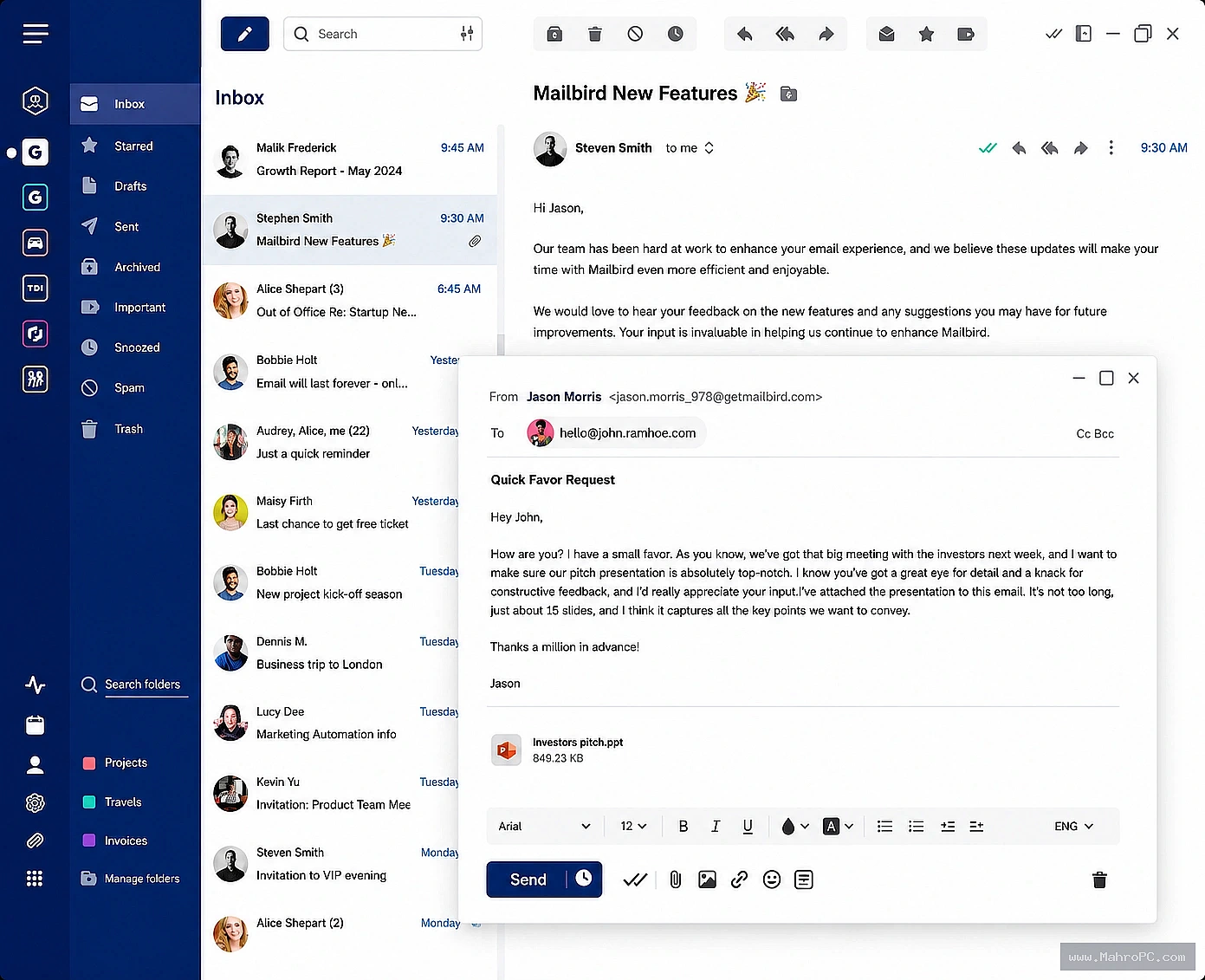
The team behind Mailbird listened closely to user feedback. This version focuses on small but meaningful refinements. You will notice a lighter, quicker interface from the moment you open it.
Startup speed has been boosted noticeably. Switching between accounts feels snappier too. They also smoothed out a few visual glitches that could appear when resizing the window. If you value a clean, distraction free workspace, you will appreciate these tweaks.
A Smoother, Faster Inbox Experience
Performance is the real star of Mailbird 3.0.32. The app now handles high volume inboxes with more grace. If you receive hundreds of emails daily, scrolling and searching will feel much more fluid.
Memory usage has been optimized as well. You might notice the application stays light even after running all day. This means fewer slowdowns during your busiest hours. It is a quiet upgrade that makes your whole workday feel less frustrating.
Key Fixes That Make a Big Difference
Every update has bug fixes. This one tackles several issues that users pointed out. For example, the dark theme now renders more consistently across all panels. No more sudden bright spots in your carefully curated view.
Notifications have become more reliable too. Some users reported missed alerts for new messages in earlier versions. That problem is now resolved. Small fixes like these save you from missing important emails and keep your trust in the software strong.
Why This Update Matters for Your Daily Workflow
Consistency is everything when you handle work, personal, and side project emails in one place. Mailbird 3.0.32 strengthens that consistency. You can move between tasks without worrying about lag or unexpected behavior.
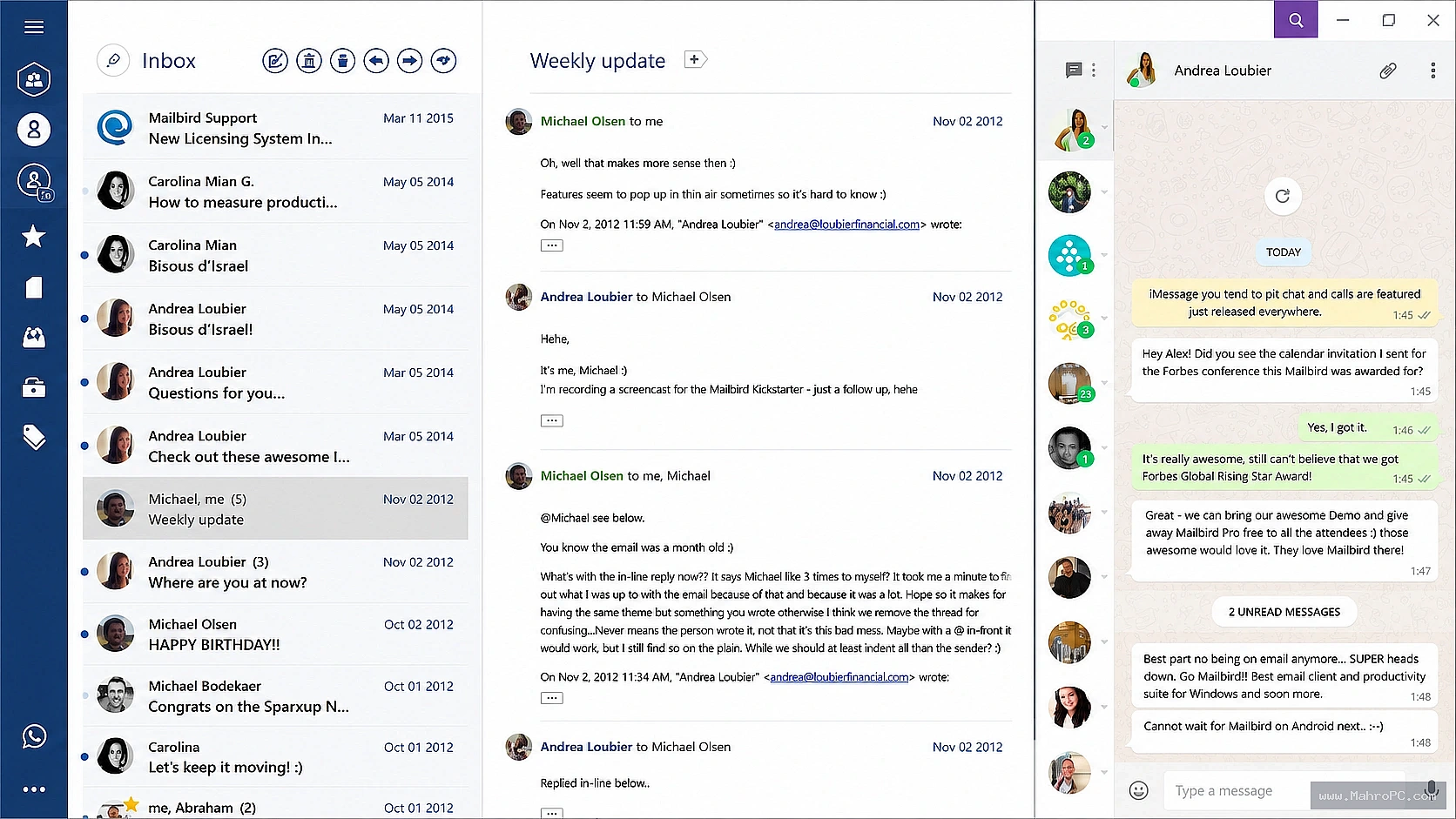
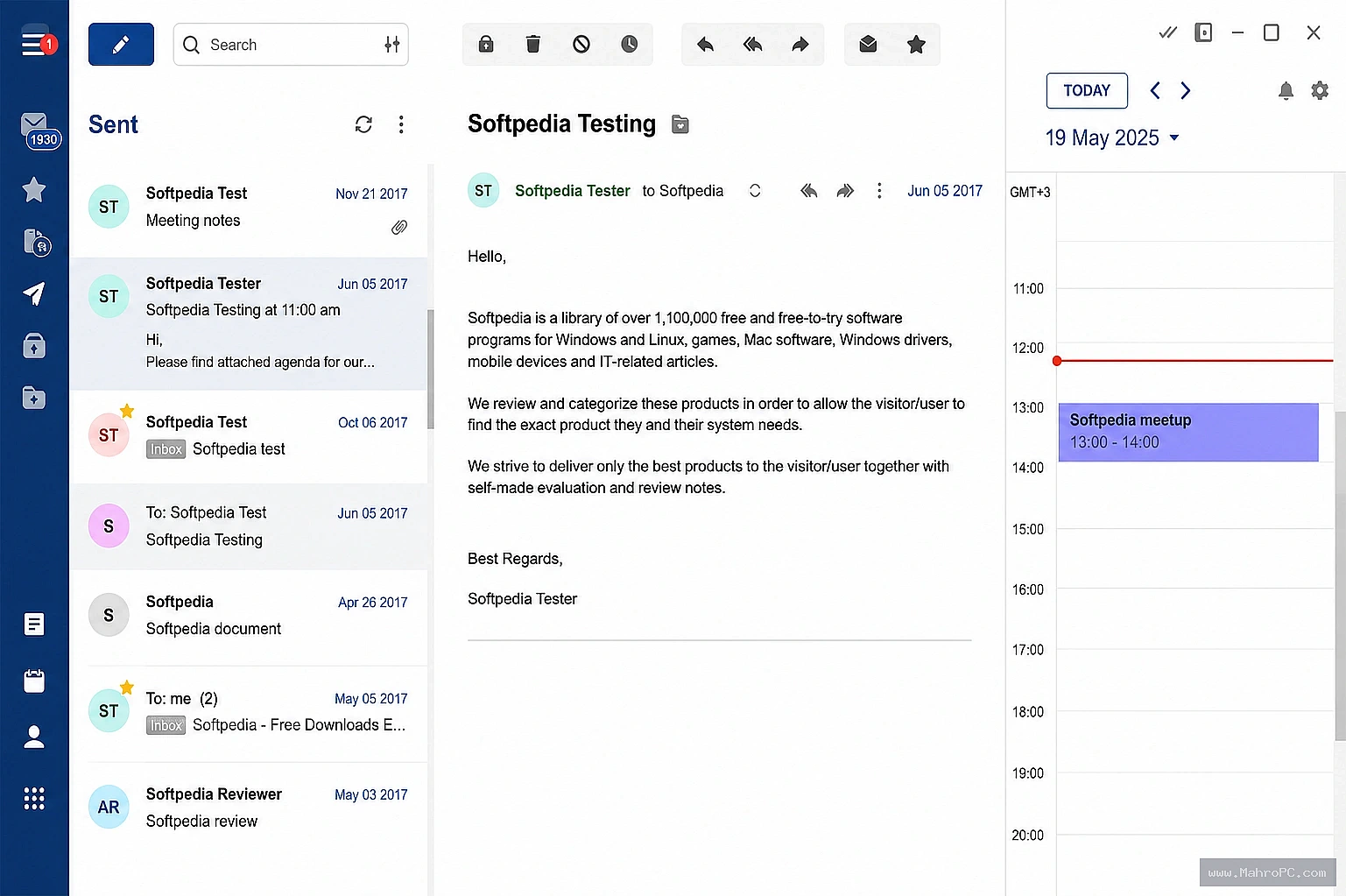
Better stability also means you spend less time troubleshooting and more time replying to what really matters. The integrated apps you use every day, like calendar and messaging, work more seamlessly within the unified inbox. This version truly helps you stay in a productive flow.
How to Get Mailbird 3.0.32
If you already use Mailbird, updating is simple. Just open the app, go to the settings menu, and check for updates. The new version should appear right away. The installation takes just a moment and keeps all your accounts and settings safe.
If you are new here, I invite you to visit the official Mailbird email client homepage. There you can learn all about its features and download the latest version. Starting fresh with version 3.0.32 gives you the best first impression of this beautiful email manager.
This update is proof that small improvements can have a big impact. You get a faster, more polished inbox without needing to learn anything new. Your daily routine stays the same, just smoother and more enjoyable. I truly believe you will feel the difference from day one.
Give Mailbird 3.0.32 a try this week. Let it handle the heavy lifting while you focus on messages that matter. A few minutes spent updating now can save you hours of frustration later. Enjoy your cleaner, faster inbox.
Frequently Asked Questions
Is Mailbird 3.0.32 a free update?
Yes, it is a free update for all existing Mailbird users. Simply download it from within the app or via the official website.
Will I lose my email settings after installing version 3.0.32?
No, your accounts, signatures, and preferences stay intact. The update only refreshes the app without touching your personal data.
Does Mailbird 3.0.32 work on Windows 11?
Absolutely. This version is fully compatible with Windows 10 and Windows 11. Performance is especially smooth on the latest operating system.
What makes this version better than the previous one?
Key improvements include faster startup, reduced memory usage, consistent dark mode, and more reliable notifications.
Can I try Mailbird 3.0.32 for free before buying?
Yes, a free version with core features is available. You can test this latest update right away from the homepage with no risk.