Atomic Alarm Clock 6.3: The Best Way to Upgrade Your Windows Clock
That is where Atomic Alarm Clock comes in. This handy little tool replaces your standard taskbar clock with something far more useful. It looks great, works smoothly, and adds features you will wonder how you lived without. Let us explore why this software is a game changer for your daily routine.
What Makes Atomic Alarm Clock So Special
Atomic Alarm Clock is not just another clock. It is a complete upgrade for your Windows experience. The software replaces the boring default clock with a customizable tool that shows you exactly what you need to see.
You can choose from 36 different skins to match your style. Whether you like a clean modern look or something more playful, there is a design for you. The clock can display the time with seconds, the current date, system uptime, and even memory usage.
The program also synchronizes your system time with atomic clock servers. This means your computer always shows the exact correct time. No more worrying about your clock drifting a few minutes fast or slow.
Set Alarms That Actually Work for You
We have all been there. You set an alarm on your phone or computer, and somehow you still miss it. Atomic Alarm Clock solves this problem with smart, flexible alarm features.
This is perfect for regular meetings, medication reminders, or weekly appointments. You can also choose custom sounds for each alarm, including your favorite MP3 files.
Here is where it gets really clever. When an alarm goes off, the program can do more than just make noise. It can open a specific program, show a custom message, restart your computer, or even put your PC into standby mode.
Stay on Top of Time Zones and Calendars
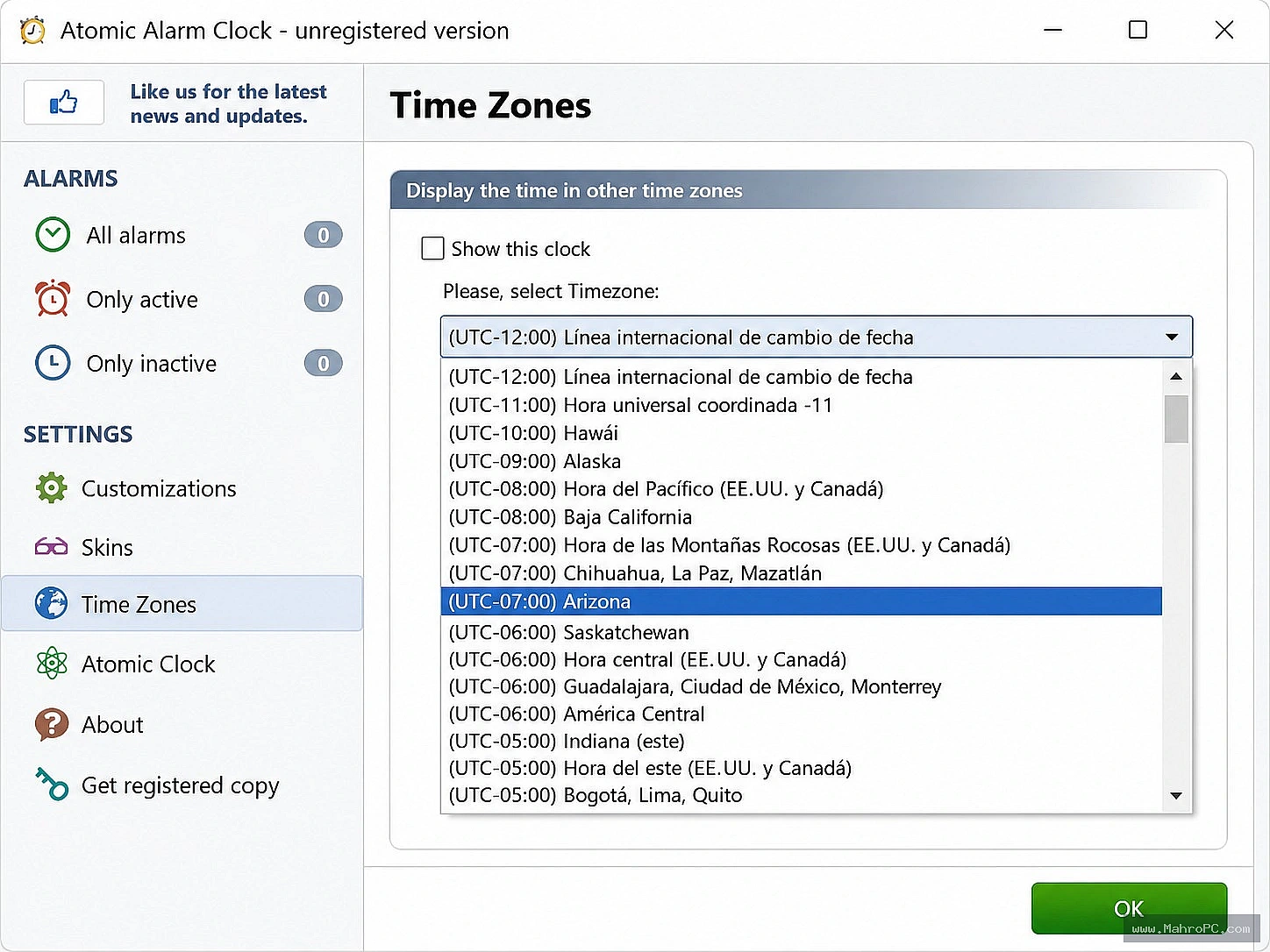
Do you work with people in different parts of the world? Atomic Alarm Clock makes it easy to track multiple time zones at a glance.
The built-in calendar is another fantastic feature. It is small and transparent, so it does not clutter your screen. The calendar also supports various skins, so it matches the rest of your clock design.
For those who love little extras, the program offers hourly chimes. You can set it to play a gentle sound at the top of every hour. It is a subtle way to keep track of time passing during your workday.
Customize Your Clock to Match Your Personality
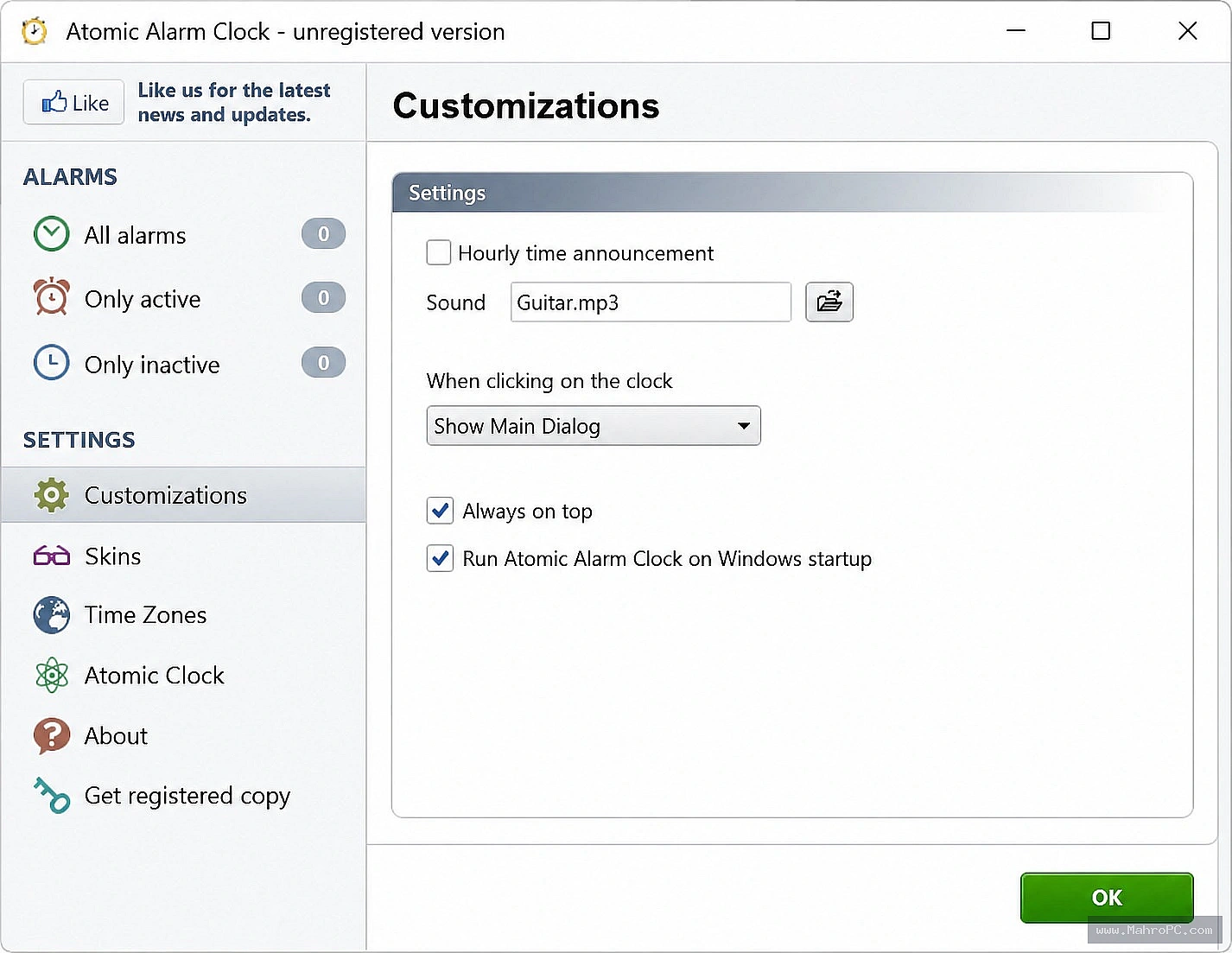
One of the best things about Atomic Alarm Clock is how much you can customize it. You are not stuck with one look. You can change skins whenever you want.
The clock can show different information based on your preferences. Want to see the day of the week? Done. Prefer a countdown timer instead of the date? No problem.
The software also supports multiple languages, including traditional Chinese, French, Italian, and Dutch. This makes it accessible to users around the world. Setting up your preferred language takes just a few clicks.
Why You Should Download Atomic Alarm Clock 6.3 Today
If you spend hours at your computer every day, your taskbar clock should work for you, not against you. Atomic Alarm Clock turns a boring system tool into a powerful assistant.
The software is lightweight and runs quietly in the background. It does not slow down your computer or use up massive amounts of memory. Once you install it, you will barely notice it is there, except when you need it.
Getting started is simple. Download the installation file, run it, and follow the prompts. Within minutes, your taskbar clock will transform into something far more useful and attractive.
Conclusion
Atomic Alarm Clock is the upgrade your Windows clock has been waiting for. It replaces the basic taskbar clock with a customizable, feature-rich tool that helps you manage your time better.
Do not settle for a boring clock that offers nothing but the time. Give Atomic Alarm Clock a try and see the difference for yourself. Your desktop will look better, your reminders will be smarter, and you will always know the exact time. Download it today and take control of your schedule.
Frequently Asked Questions
Is Atomic Alarm Clock free to use?
Atomic Alarm Clock is a shareware application. You can download and try it, but you may need to purchase a license for full access to all features.
Will Atomic Alarm Clock work on Windows 10 and Windows 11?
Yes, Atomic Alarm Clock is compatible with Windows 10. Some users have reported it works smoothly on newer systems, though there are mixed reports for Windows 11.
How do I change the language in Atomic Alarm Clock?
Right-click the clock icon in your taskbar, go to Main Dialog, then Customizations, and select Language. Choose your preferred language from the list.
Does Atomic Alarm Clock sync with internet time servers?
Yes, the program includes an atomic-time synchronizer that keeps your system clock accurate by syncing with global standard time servers.