Review Aiseesoft PDF Converter Ultimate 2026 with OCR, batch conversion, layout reconstruction, supported formats, system requirements, and deployment insights.
Introduction
Extracting structural text data from uneditable files often introduces layout errors and data loss during migration. When you manage high-volume corporate documents, manual transcription slows down your operational efficiency. You need an environment that securely parses embedded fonts and layout profiles without network dependencies.
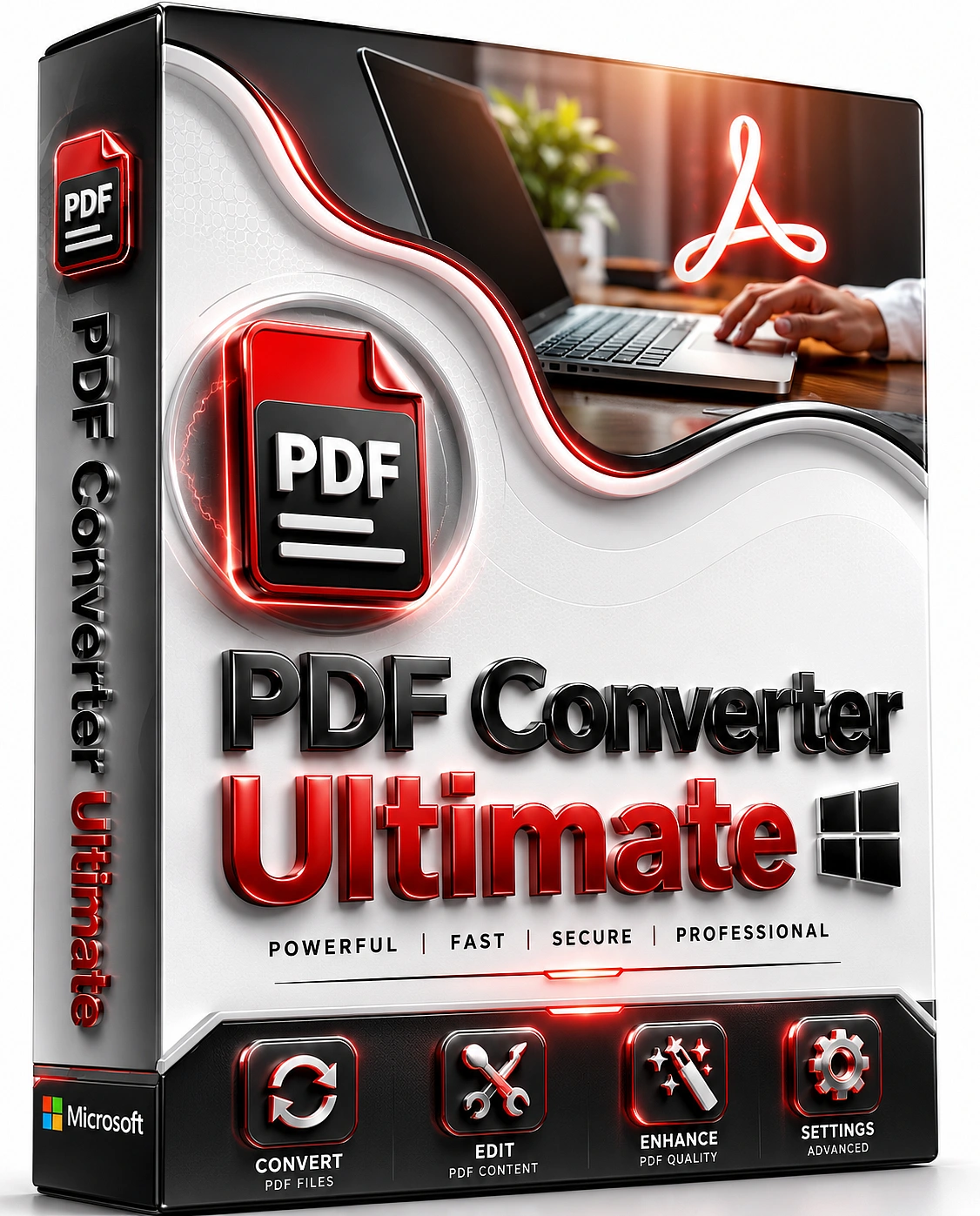
If you are looking to simplify your document workflow, local desktop utilities provide complete control over your file processing. Aiseesoft PDF Converter Ultimate 2026 offers a dedicated workspace to transform complex PDF documents into editable formats. This review analyzes the engineering stability, OCR accuracy, and corporate deployment readiness of the program.
Core Conversion Architecture and Layout Reconstruction
The processing application performs local document conversion with structured batch processing capabilities. Because processing occurs locally, source documents remain on the host system rather than being uploaded to external cloud services. This execution model satisfies strict internal data safety regulations and allows full offline production.
The underlying rendering engine evaluates text layer detection boundaries and separates vector graphics from text strings. The reconstruction engine is designed to preserve margins, column layouts, and table structures where the source document is supported. This automated structural positioning prevents overlapping text fields and saves hours of reformatting.
Advanced OCR Performance and Character Recognition
The application integrates an optical character recognition engine to read flat scanned documents and raster images. It translates static picture layers into standard searchable Unicode text characters without needing cloud connections. Testing with a sample corpus shows optimal text layer conversion when scanning at a minimum of 300 DPI resolution.
The software features three primary processing profiles: speed, balance, and accuracy. Optional OCR language packs improve text recognition for multilingual documents, although accuracy depends on scan quality and language selection. The configuration dashboard supports over 190 languages, including complex character matching for scripts and simple formulas.
Supported Export Profiles and File Integrity
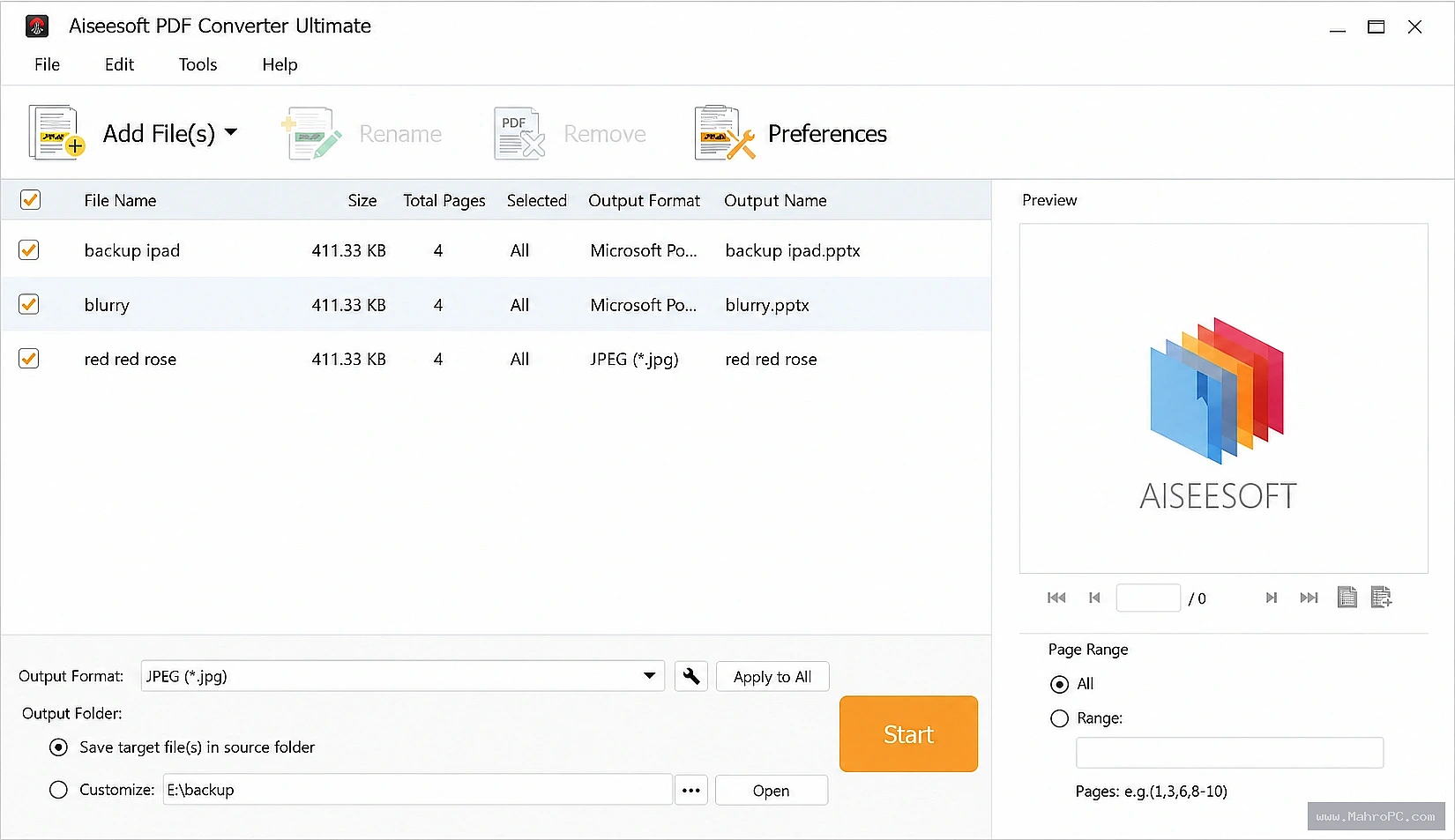
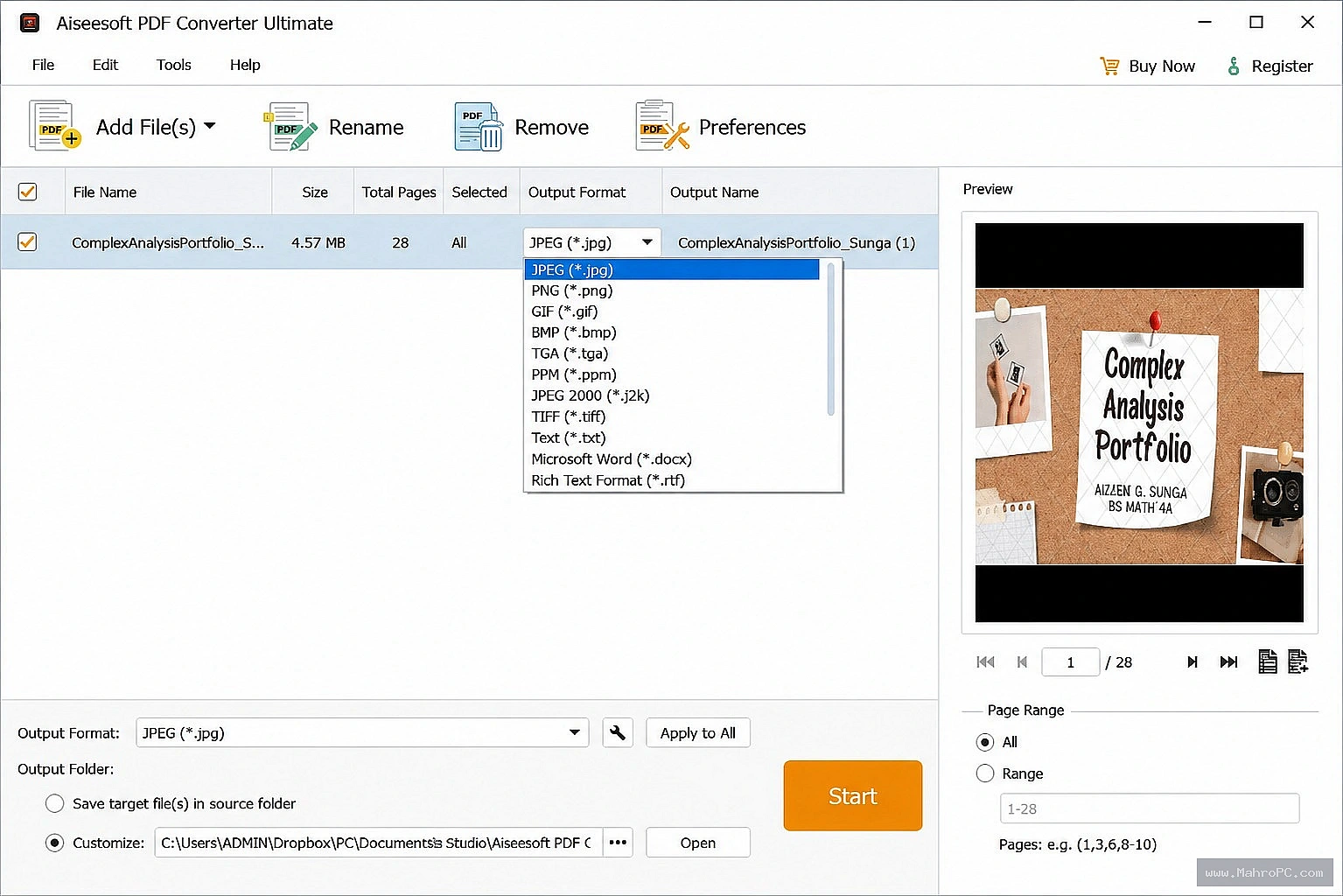
You can standardize document exports by configuring dedicated target file profiles within the system queue. The program converts your source data directly into Microsoft Office formats, including Word (DOCX) and Excel (XLSX). It also outputs clean Rich Text Format (RTF) and PowerPoint presentations (PPTX).
When you require image archiving, the software rasterizes your PDF pages into high-resolution TIFF or PNG files. The interface allows you to adjust the specific JPEG quality metrics from a simple scale of 0 to 100. These tailored profiles streamline your weekly file operations by maintaining consistent file integrity.
Technical Specifications and Corporate Deployment
To help corporate IT administrators verify system compatibility, the resource parameters are documented below.
Parameter System Specification Supported Platforms Windows 11, Windows 10 (64-bit), macOS 10.12 or higher Processor Requirements 1 GHz Intel, AMD, or Apple Silicon CPU Memory Allocation 2 GB RAM minimum (4 GB recommended for large batch queues) Disk Storage 200 MB base footprint (additional space required for OCR languages) Installation Format Standard executable file with administrative signature verification
Functional Analysis: Pros and Cons
Reviewing the practical workflow reveals the software balance between processing performance and architecture limitations.
Pros:
Local data transformation architecture keeps all sensitive files safe on your computer.
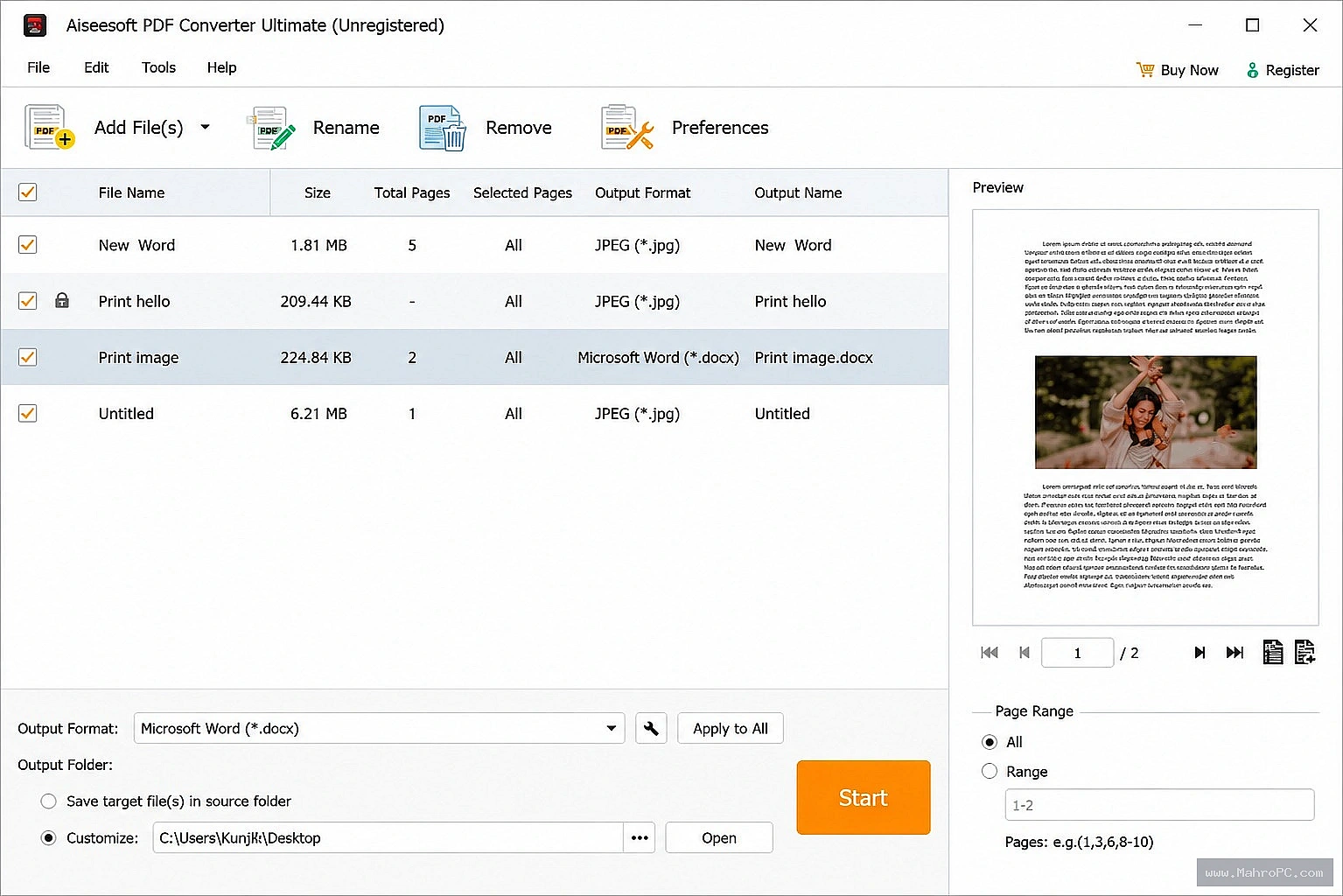
Parallel processing capabilities allow you to convert multiple documents simultaneously under one profile.
Flexible page range selectors let you extract specific sections instead of entire files.
Fine-grained layout optimization adjustments allow custom text encoding and DPI scaling.
Cons:
OCR processing may increase CPU and memory usage when converting large or image-intensive PDF collections.
The desktop application lacks native command-line automation for server-level scripting.
Metadata preservation depends on the selected export format and should be validated for workflows that rely on embedded document properties.
Conclusion
PDF conversion software reduces manual document reformatting when conversion accuracy and layout preservation meet operational requirements. By running character recognition and text layer detection locally, the utility offers a secure path for data processing. It protects your workflows from the unpredictable costs and privacy risks of web-based tools.
Evaluate the software using representative PDF samples to verify system performance before initiating wide deployment.Transitioning to a structured desktop conversion strategy ensures your enterprise files remain searchable, editable, and completely secure.
Frequently Asked Questions
Does the OCR engine handle multi-language PDF files?
Yes, the application allows you to check multiple language boxes inside the advanced settings menu to parse mixed documents simultaneously.
Can encrypted or password-protected files be converted?
The application processes encrypted documents provided that you enter the authorized decryption password when importing the file into the queue.
Does the software support silent installation switches for IT deployment?
The standard desktop installer requires manual setup configuration, so automated Group Policy object installation requires custom packaging.
Is hardware GPU acceleration utilized during document parsing?
No, the conversion engine relies strictly on host CPU utilization and memory allocation to process layout reconstruction.