Agisoft Metashape Professional 2026: Photogrammetry at Scale
Introduction
Enterprise photogrammetry pipelines face a persistent constraint: the linear scaling of reconstruction time against image count. Agisoft Metashape Professional addresses this through a hybrid CPU/GPU processing architecture and distributed network processing. The software occupies a position between desktop photogrammetry tools and enterprise-scale 3D reconstruction platforms, offering Python automation and headless operation for CI/CD integration. The Professional edition differentiates through network processing, georeferencing, multispectral support, and batch automation.
Core Architecture and Functional Mechanisms
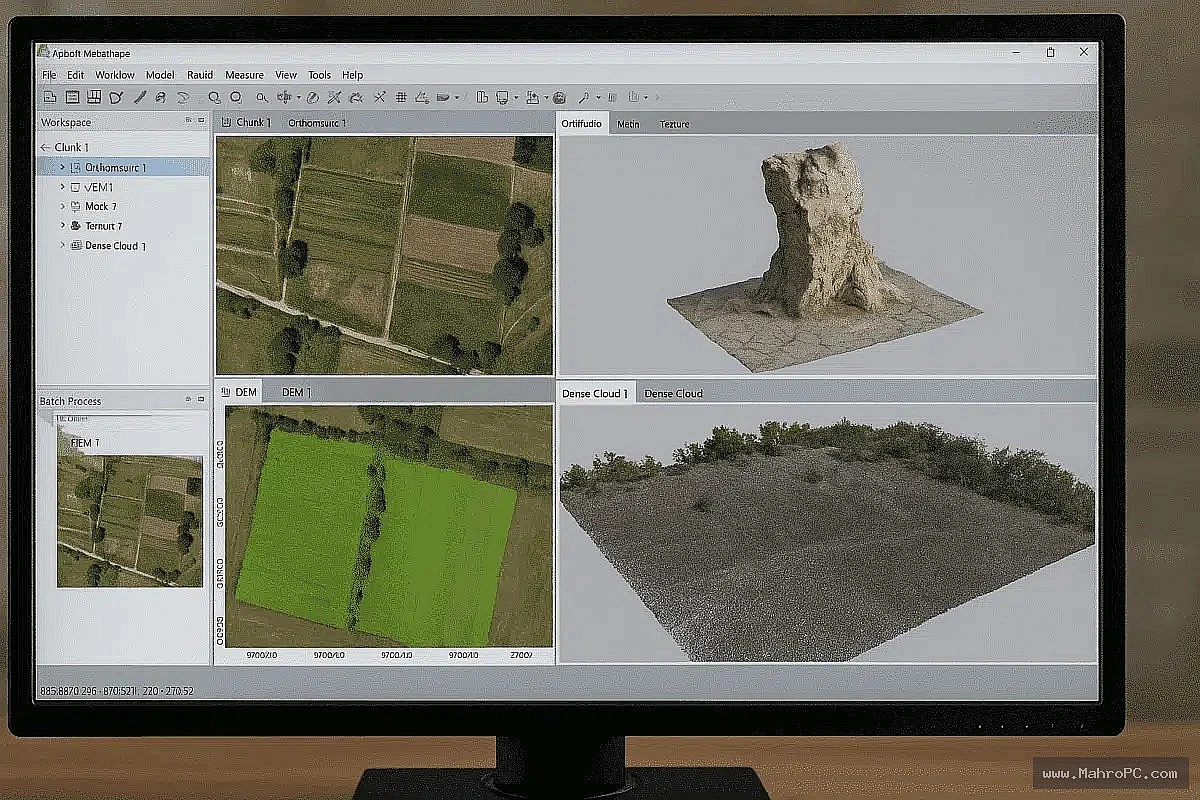
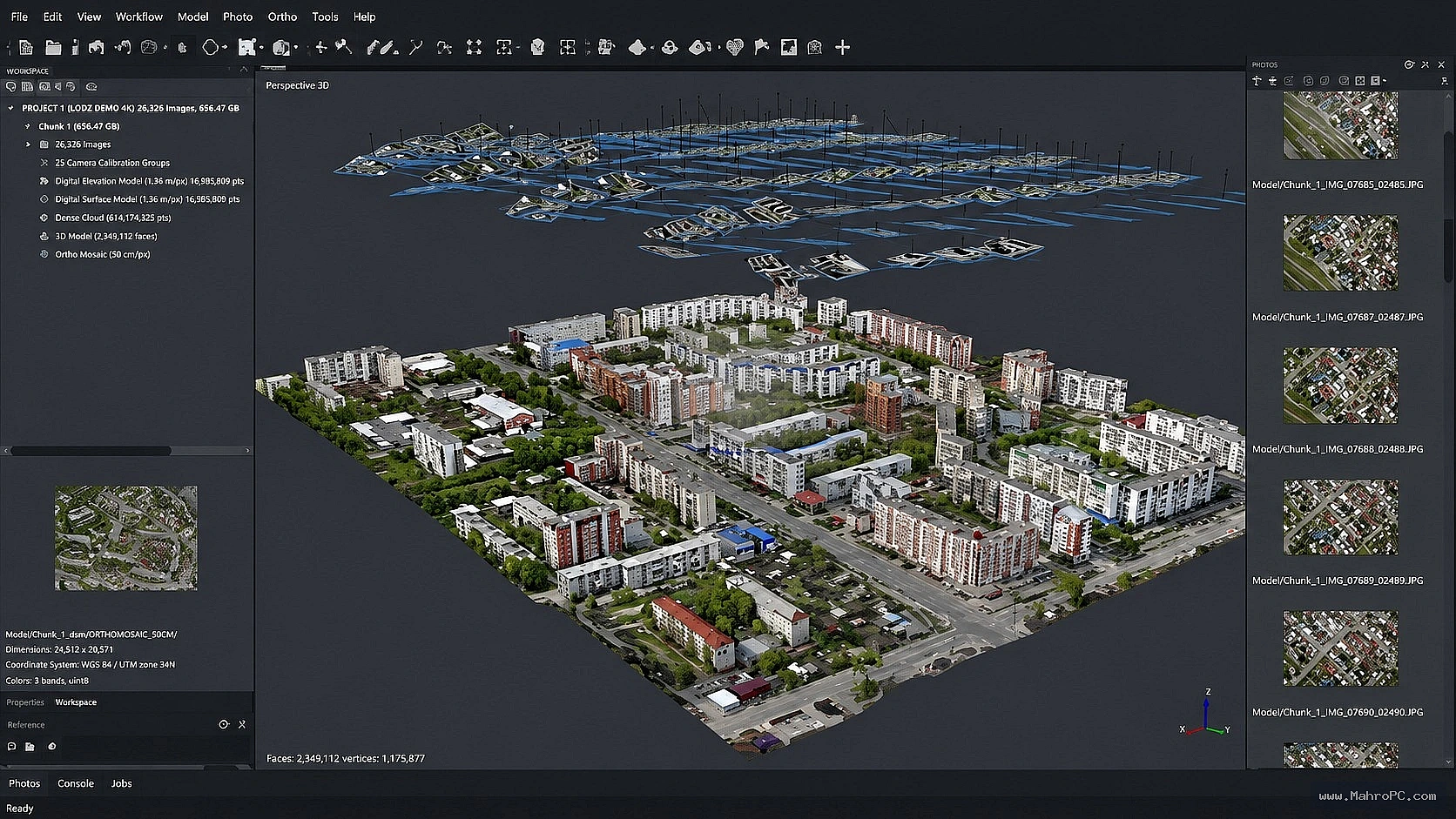
Metashape Professional operates on a chunk-based project model, where each chunk contains a set of images, camera calibration data, and reconstruction outputs.
The network processing architecture consists of three logical components: a Server managing task distribution and licensing; a Client providing the GUI for job submission; and Nodes—worker machines executing computational tasks.
You May Also Like: Abelssoft Undeleter 2026
Pros & Cons
Pros:
- Deterministic CPU/GPU task partitioning enables predictable scaling across heterogeneous nodes.
- Python API and headless operation support automated, scripted pipelines without GUI overhead.
- Network processing distributes workload across multiple machines, with near-linear CPU thread scaling up to network bandwidth limits.
Cons:
No GPU acceleration on Apple Silicon (M1–M3) as of early 2025—CUDA/OpenCL support is Windows/NVIDIA.
Poor scaling beyond 32 physical cores—very high core-count processors do not scale efficiently.
RAM is a hard project-size ceiling; insufficient memory causes task abortion or swap thrashing, not graceful degradation.
Key Technical Capabilities Analyzed
Network Processing & Distributed Computation
The Professional edition's network processing enables distribution of photogrammetry tasks across multiple nodes. Each node runs a background service and communicates with the server over TCP/IP. Performance scales with the number of CPU threads across nodes, but optimal load balancing depends on data size and network bandwidth—wired Gigabit LAN is the minimum baseline. Nodes must run identical software versions.
Python API & Headless Automation
Metashape Professional includes a standalone Python module that allows integration of photogrammetry functionality into custom scripts without full application installation.The API supports project creation, chunk management, processing step configuration, and export, making it suitable for integration into enterprise CI/CD or data processing workflows.
Georeferencing & Multispectral Processing
Professional edition includes advanced tools for georeferencing, ground control points (GCPs), and multispectral processing.These capabilities are relevant for surveying, agriculture, and applied sciences where positional accuracy is non-negotiable.
You May Also Like: Abelssoft SSD Fresh 2026 Latest Software
Hardware & System Requirements
Component | Minimum Configuration | Recommended Enterprise Specification |
|---|---|---|
Operating System | Windows 7 SP1 (64-bit) / macOS High Sierra / Debian-Ubuntu with GLIBC 2.19+ | Windows 10/11 (64-bit) / macOS Mojave or later |
Processor | Intel Core 2 Duo or equivalent | Intel Core i7 / AMD Ryzen 7 (3.0+ GHz, 6–32 physical cores) |
RAM | 8 GB | 32–64 GB (small–medium projects); 64–128 GB (large projects); 128+ GB (very large) |
GPU | — | NVIDIA or AMD dedicated (4+ GB VRAM), CUDA/OpenCL support |
Storage | — | SSD/NVMe for project files and images |
Operational Decision Matrix (Verdict)
Deploy If:
Infrastructure includes Windows-based workstations with NVIDIA GPUs (CUDA support) for optimal GPU acceleration.
Budget accommodates 64–128 GB RAM per processing node for large-scale projects (800+ images).
Network environment supports wired Gigabit LAN with low-latency connectivity between nodes.
Avoid If:
Primary processing environment is Apple Silicon (M1–M3) where GPU acceleration is unsupported.
Infrastructure cannot provide SSD/NVMe storage—I/O bottlenecks will dominate processing time.
Licensing ROI is negative for occasional or low-volume photogrammetry requirements.
You May Also Like: Abelssoft CryptBox 2026
Frequently Asked Questions
Q: How does Metashape Professional handle GPU selection in multi-GPU workstations?
A: Metashape uses all compatible NVIDIA (CUDA) and AMD (OpenCL) GPUs by default. Integrated graphics (e.g., Intel UHD) are not supported for acceleration and may cause instability if not disabled in Preferences.
Q: What is the failure mode when a network node runs out of RAM during processing?
A: Each node uses its own RAM locally; there is no shared memory pool across nodes. Recommendation: equip each node with at least 32 GB RAM, and 64 GB+ for projects involving 500+ images at 20 MP or more.
Q: Can Metashape Professional run entirely without a GUI for automated server-side processing?
A: Yes. The standalone Metashape Python module allows integration of Metashape functionality into custom scripts without full application installation. This enables headless operation on servers, supporting automated pipelines, batch processing, and integration with cloud or on-premises data processing workflows.