A complete 2026 guide to ABBYY FineReader PDF 16 covering OCR accuracy, features, installation steps, system requirements, and real-world performance insights.
Introduction of ABBYY FineReader PDF 16
Many professionals struggle when they receive scanned PDFs that can’t be edited, forcing manual retyping that wastes hours. If you’ve ever faced tight deadlines and messy document conversions, you already know how frustrating it gets.
This is exactly where ABBYY FineReader PDF 16 steps in. It solves one of the biggest productivity bottlenecks: converting static documents into fully editable and searchable formats with high accuracy. OCR technology like ABBYY’s is widely recognized in the document processing industry, with modern systems achieving 90%+ accuracy rates in structured documents according to multiple enterprise software benchmarks (2024–2025 OCR industry reports).
Overview of ABBYY FineReader PDF
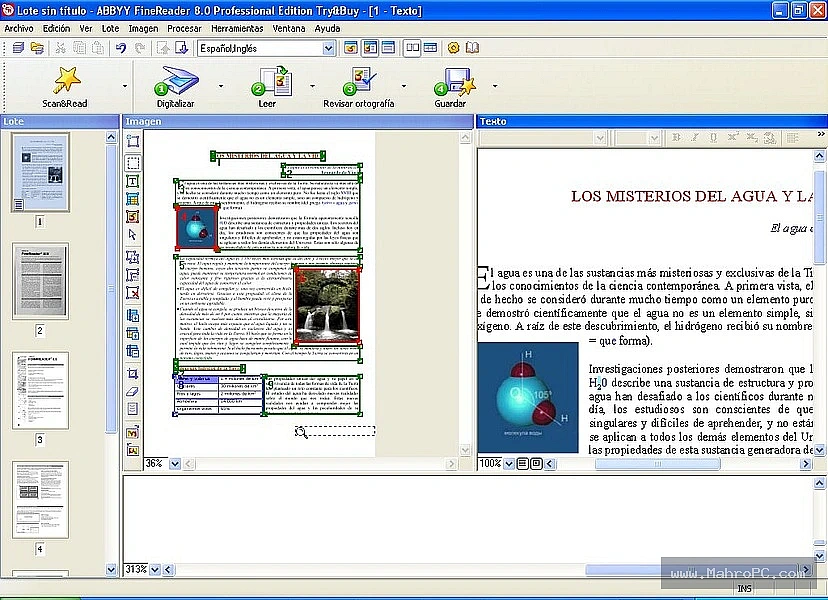
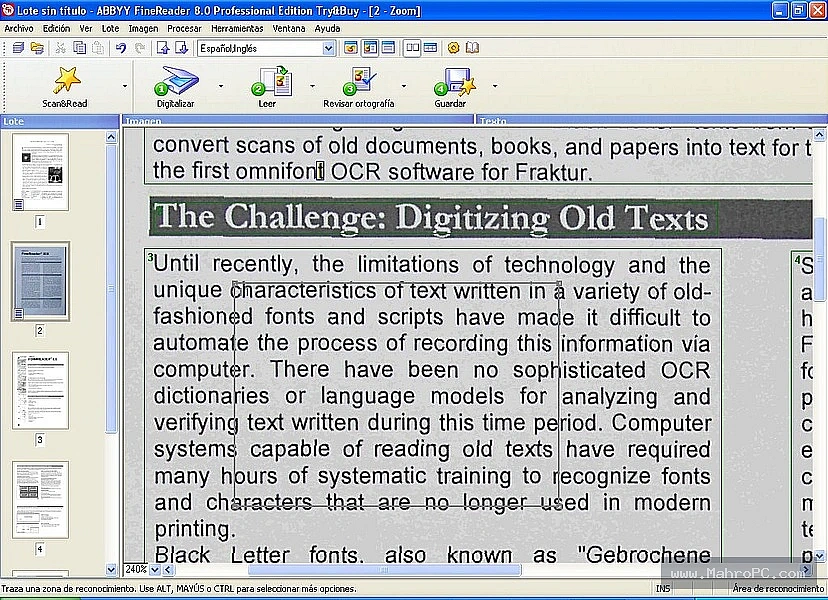
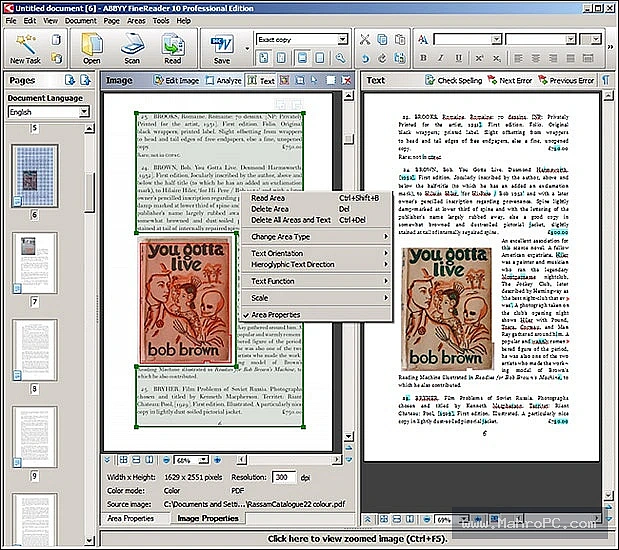
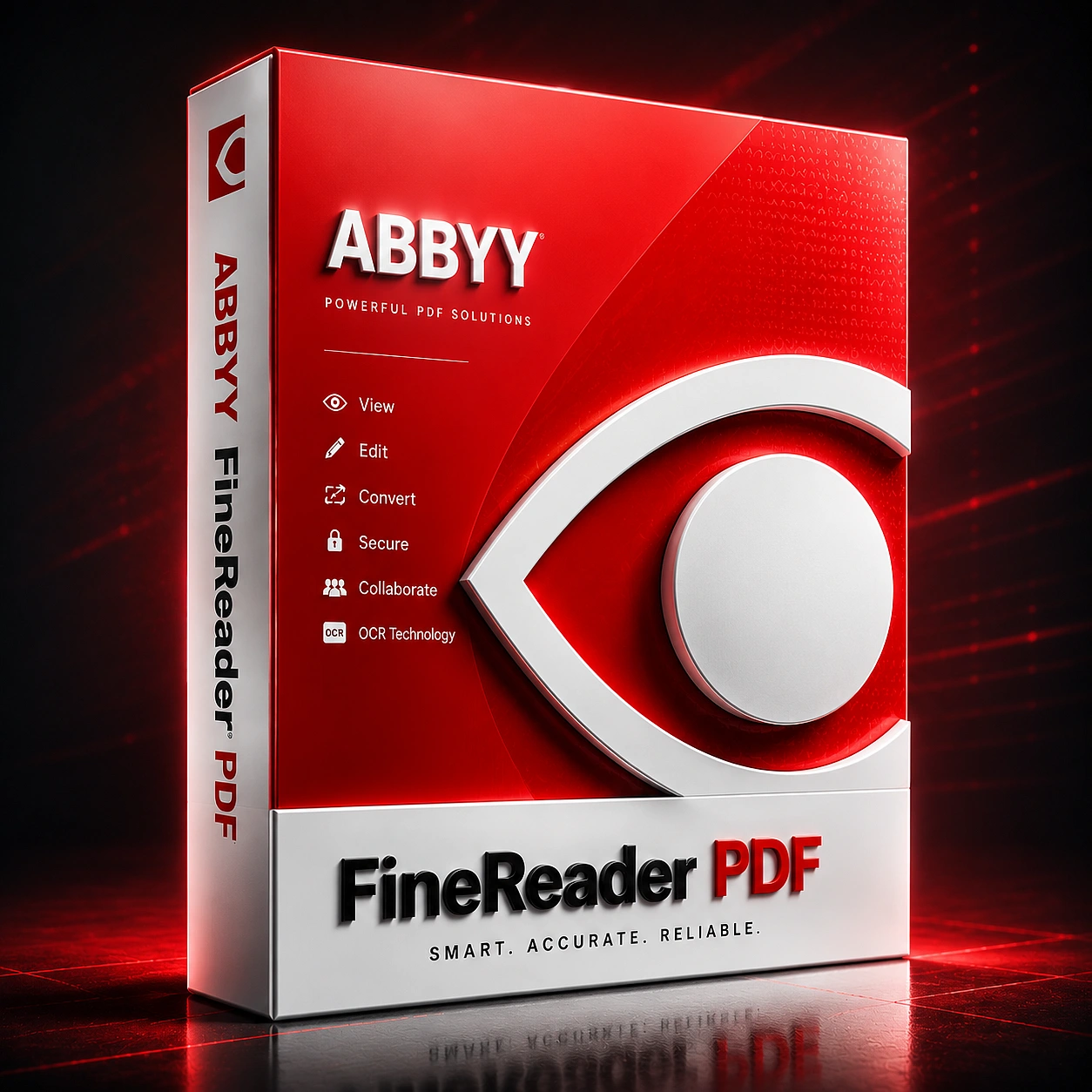
So, what exactly are we dealing with here? ABBYY FineReader is a comprehensive document management program designed to turn static images and locked PDFs into editable, searchable formats.
Its core value proposition is saving you hours of manual data entry while preserving the original layout, tables, and graphics of your files. If you are looking for an overview of ABBYY FineReader PDF features and capabilities, you will find that it prioritizes strict text accuracy and workflow efficiency over flashy interface changes.
You may also like :: OneCommander Pro 2026
Pros & Cons
Pros:
-
Extremely accurate text recognition on blurry, low-DPI scans.
-
Cross-format document comparison spots hidden text changes easily.
-
Maintains complex table formatting during Word and Excel exports.
Cons:
-
Heavy 719 MB installation requires decent local storage.
-
Initial software startup feels sluggish on older hardware.
You may also like :: NCH VideoPad Pro Review 2026
Key Features of ABBYY FineReader PDF 16
1. Advanced OCR Engine
The OCR engine converts scanned documents into editable formats with high precision. It handles complex layouts like invoices and contracts efficiently. For example, legal teams can digitize paper archives without retyping.
2. PDF Editing Tools
You can directly edit text, images, and tables inside PDFs without converting them first. This is useful for quick corrections in business documents.
3. Document Comparison
This feature highlights differences between two document versions. It is widely used in legal and compliance workflows.
4. Batch Processing
Allows multiple files to be processed simultaneously, saving time in large-scale operations.
5. Export Flexibility
Supports export into Word, Excel, searchable PDFs, and other formats for flexible workflows.
How to Install
Getting this running requires a bit of patience due to the file size.
- Download the 719 MB installer from here.
- Run the executable file as an administrator.
- Choose your preferred language and accept the terms of service.
- Select the "Typical" installation option unless you need specific offline language packs.
Enter your license key or selebct the trial period to begin.
You may also like :: Macrium Site Manager
System Requirements for ABBYY FineReader PDF
Before you download, make sure your setup can handle it. Here are the system requirements for ABBYY FineReader PDF on Windows:
- Operating System: Windows 11, or Windows 10 (64-bit).Processor: 1 GHz or
- faster x64 CPU.Memory (RAM): 4 GB minimum (8 GB highly recommended for
- large files).Storage: 1.6 GB of free disk space for the installation
- process.Display: 1024x768 monitor resolution minimum.
Frequently Asked Questions
1. Is ABBYY FineReader good for students?
Yes, especially if you deal with scanned notes or research papers. It saves a lot of manual typing and helps convert books into editable formats quickly.
2. Does it work offline?
Yes, most OCR and editing features work without internet access, which is useful for secure environments.
3. Can it replace Adobe Acrobat?
Not fully. It’s stronger in OCR, but Acrobat is still better for ecosystem integration and cloud workflows.
4. Is it worth the price in 2026?
If you regularly handle scanned documents or business PDFs, the time saved usually justifies the cost.